Powering the VFC400-USB VFC400-USB User Guide 27
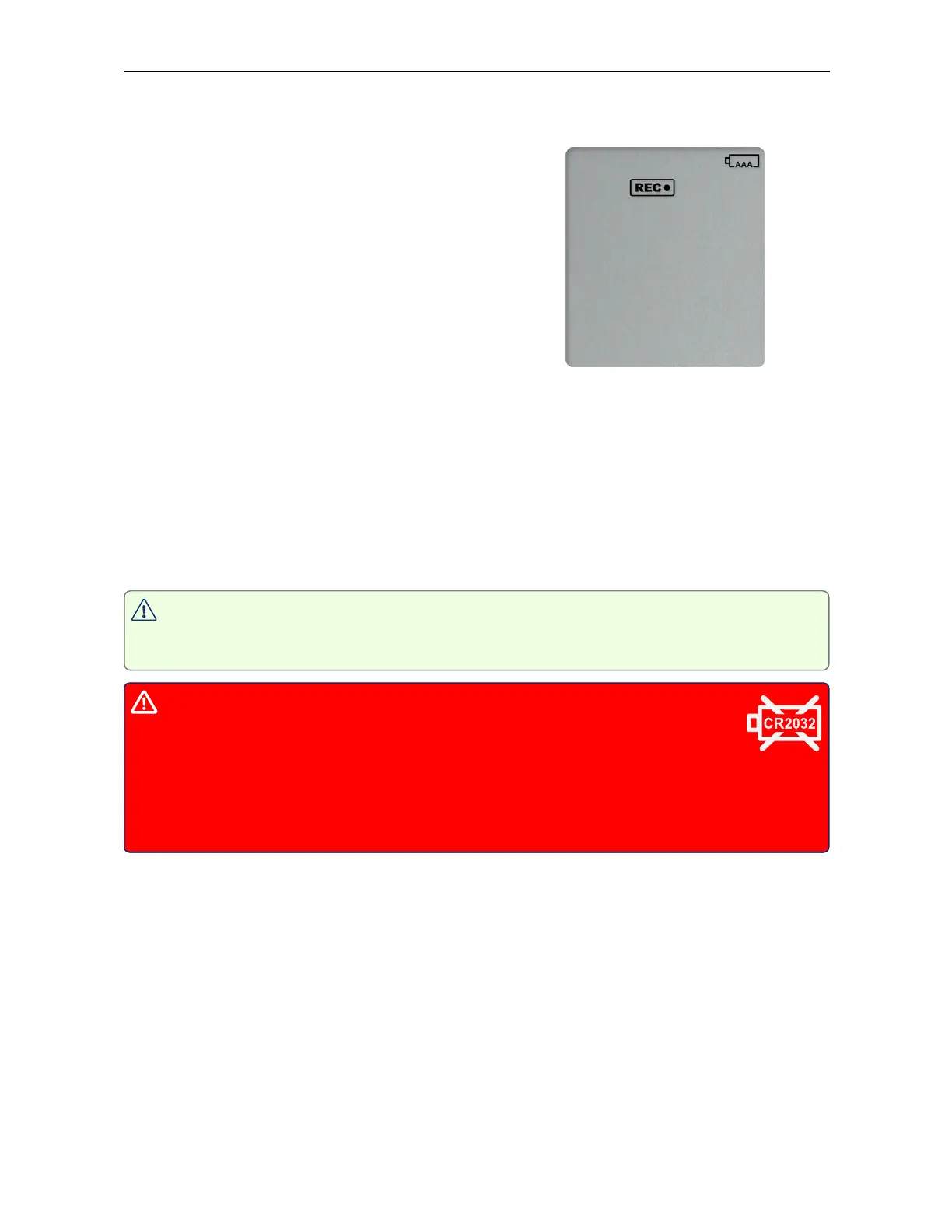
After pressing any button, following is shown on the display:
l
The Recording state indicators, which show if
the unit is recording, stopped, ready or
configured for a delayed start
l
The Battery Empty symbol
The internal secondary backup battery will power the logger's essential functions:
l
The internal clock still runs.
l
Temperature values are being recorded at the configured intervals.
l
The red alert indicator will blink if an alarm is triggered.
l
A scheduled recording will still start.
At this time the batteries must be replaced, or external power provided, to activate the
suspended functions.
After battery replacement the display may be blank. To activate it, simply press
one of the buttons.
The internal secondary backup battery (CR2032 LiMnO
2
coin cell)
should be replaced immediately when the low battery symbol -as
shown- appears. This can be done by a qualified technician.
Failing to replace the battery can result in loss of configuration information and
loss of recorded data, even when the logger is connected to a power supply.



 To Next Page