Resetting the Logger VFC400-USB User Guide 61
Resetting the Logger
You can reset a VFC400-USB back to its original READY state. Once reset, recording can
be started again.
When performing this procedure all recordings and statistics stored in the logger
are irrevocably deleted and cannot be recovered. Please ensure your data has
been saved!
All configuration settings in the logger are retained.
For this process to work, the logger must be
STOPPED.
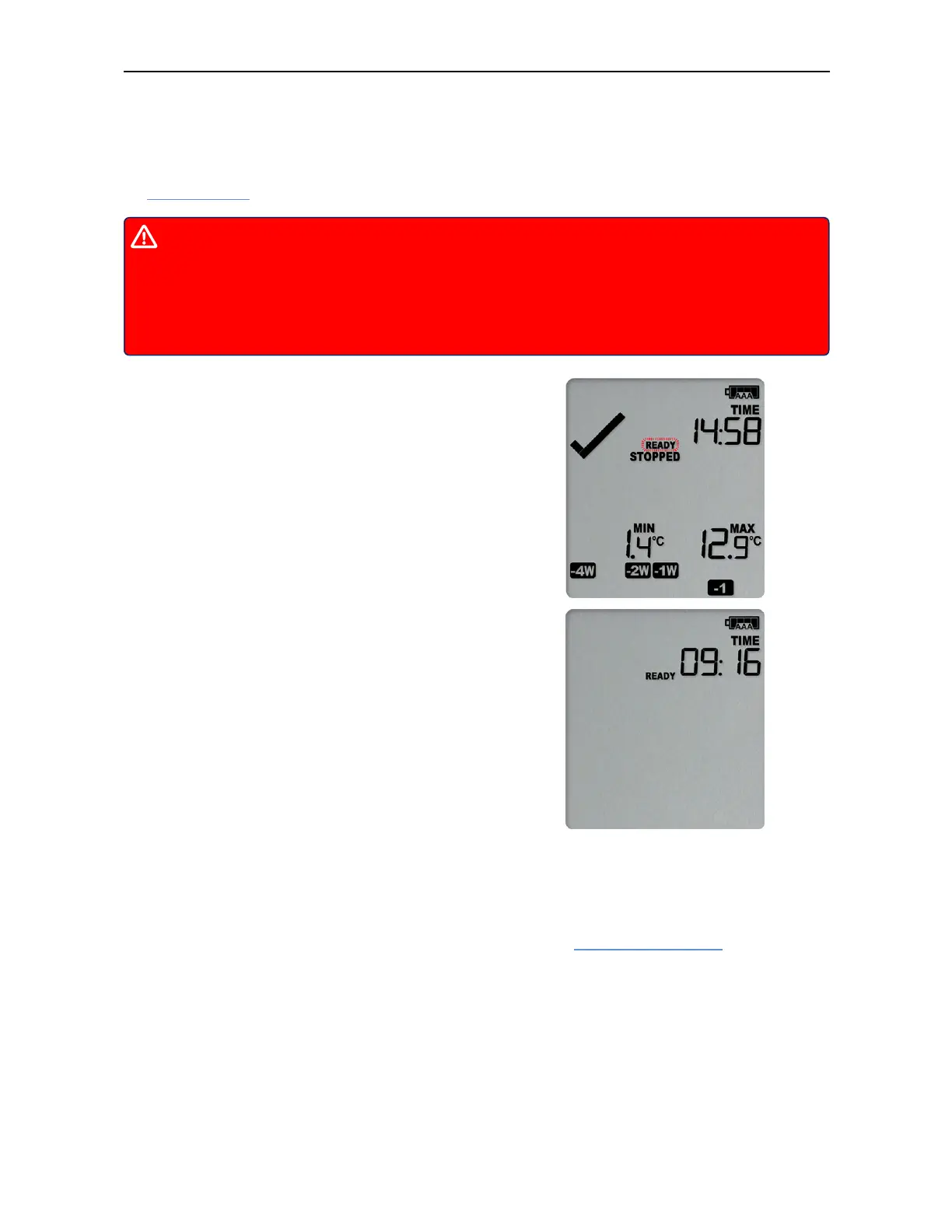
Press and hold the START/CLEAR/STOP button. The
READY symbol will turn on.
When the STOPPED symbol turns off, release the
button within 2 seconds. The logger is now ready to
be started again.
If the button is released while STOPPED is still , or you wait until the READY symbol
disappears, the display shows STOPPED again, and the logger remains stopped. This
means, the data from the previous trip is still accessible.
The ability to reset a logger is enabled or disabled in the Advanced Settings tab when
configuring the VFC400-USB via Control Solutions VTMC.



 To Next Page