Preparing a VFC400-USB for first use VFC400-USB User Guide 20
Advanced Configuration Settings
Select Advanced Settings for additional configuration settings. These settings decide
how some of the elements are displayed on the unit's own display and set certain
options specific to the VFC400-USB.
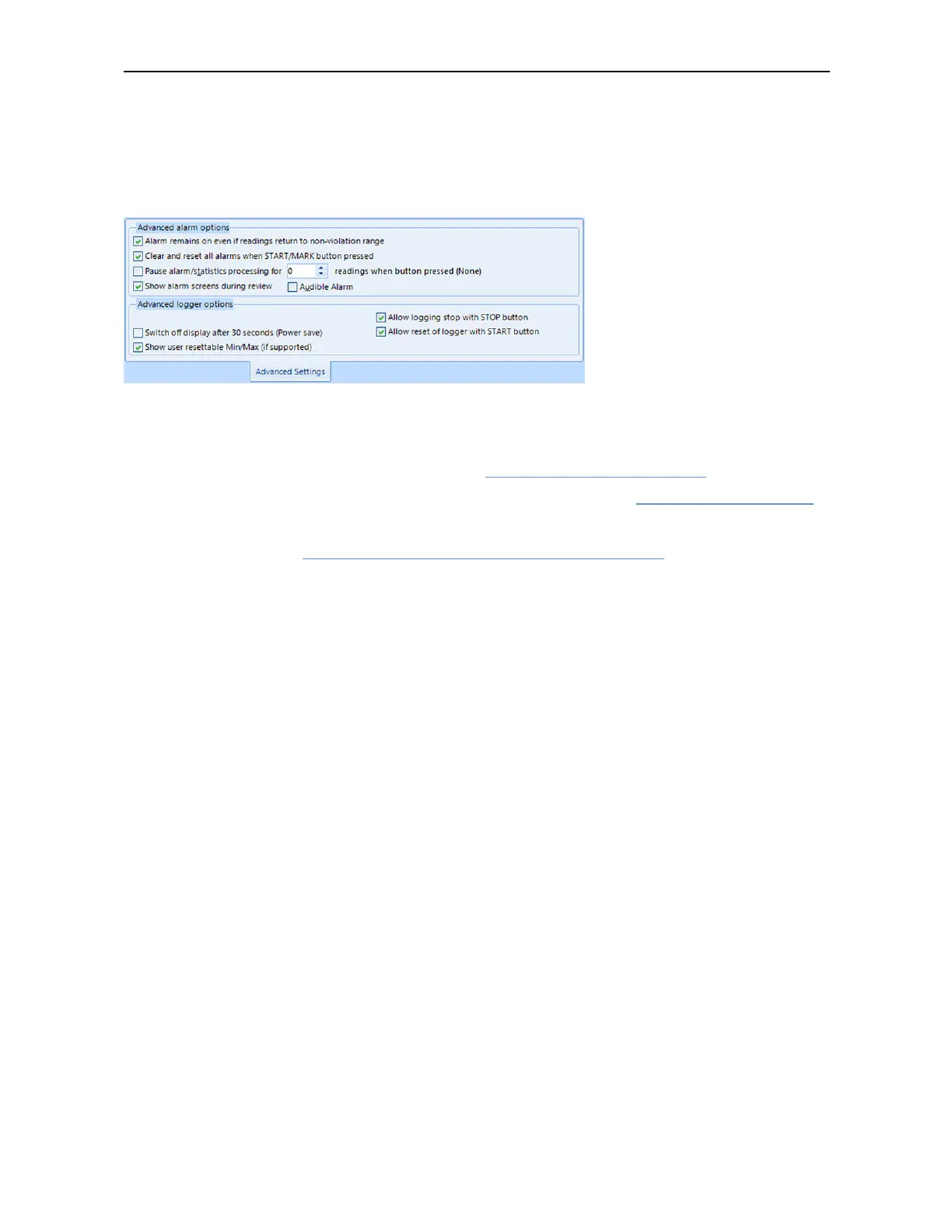
Figure 5: VFC400-USB advanced configuration screen in Control Solutions VTMC 3
These parameters influence what appears on the display:
l
Pausing alarm/statistics processing (see Paused Readings on page39)
l
Switching off the display after 30 seconds (Power save, see Power Save on page41)
l
Allowing a user to reset the trip's minimum and maximum values on the display
during recording (see Clearing the Min/Max Values on page42)
Following parameters influence specific behavior of the VFC400-USB:
l
Clearing and resetting alarms when the START/CLEAR/STOP button is pressed
l
Leaving the alarm turned on, even if readings return to the normal temperature
range again
l
Allowing the user to stop the logger with the START/CLEAR/STOP button
l
Allowing the user to reset the logger with the START/CLEAR/STOP button
l
Enabling the three tone sounder for the audible alarm
For detailed information about each parameter please read the section about
Configuring a LogTag for logging in Control Solutions VTMC’s User Guide or press F1 for
help.



 To Next Page