Starting the Logger VFC400-USB User Guide 32
Starting the Logger
Push button start
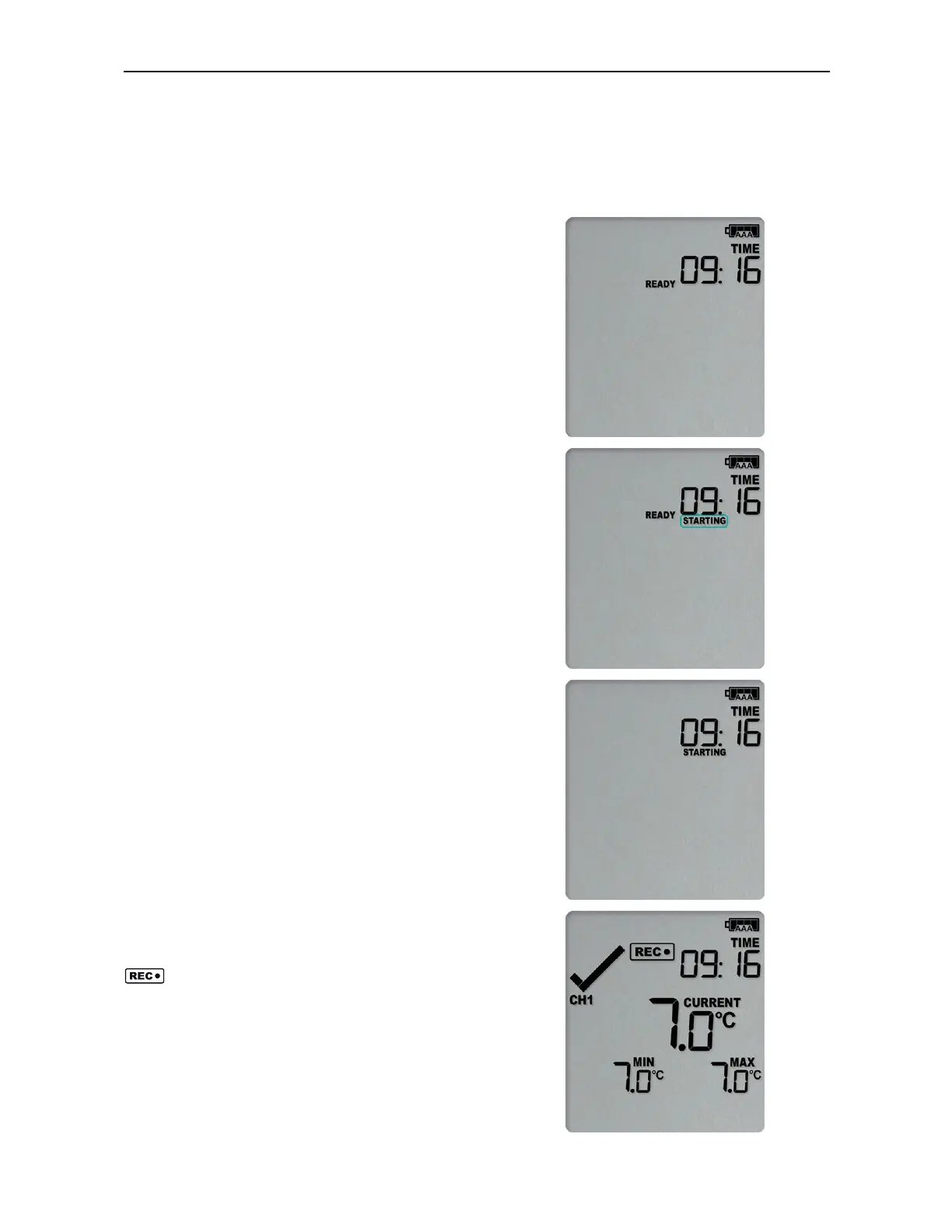
After configuration for a push button start the
current time and READY are shown, together with
the Battery Status symbol.
The power symbol is shown when the unit is
connected to a USB power supply.
Press the START/CLEAR/STOP button. STARTING is
briefly shown in addition to READY.
Then READY disappears.
Once READY disappears, release the button within
two seconds. STARTING will now disappear, and the
symbol will be shown. The VFC400-USB now
records temperature data.
The logger will
not
start if
l
you release the button before READY
disappears;



 To Next Page