What You Need VFC400-USB User Guide 9
What You Need
Required Items
In addition to your Control Solutions VFC400-USB Vaccine temperature monitoring Data
Logger you will need the following:
l
a micro-USB cable to connect the VFC400-USB to your PC (it is recommended that
you connect each VFC400-USB via a permanently plugged in USB cable to protect
your computer’s USB socket)
l
one or two external probes of the ST100 series
l
a PC running Windows 7 SP1 or later and Control Solutions VTMC 3 installed if you
wish to configure and download the logger
l
a PC with PDF reader software installed for viewing the generated PDF files
Optional Items
In addition to the above, following items are useful accessories:
l
a 5V/5W USB power supply, if you wish to power the unit permanently via the USB
socket
l
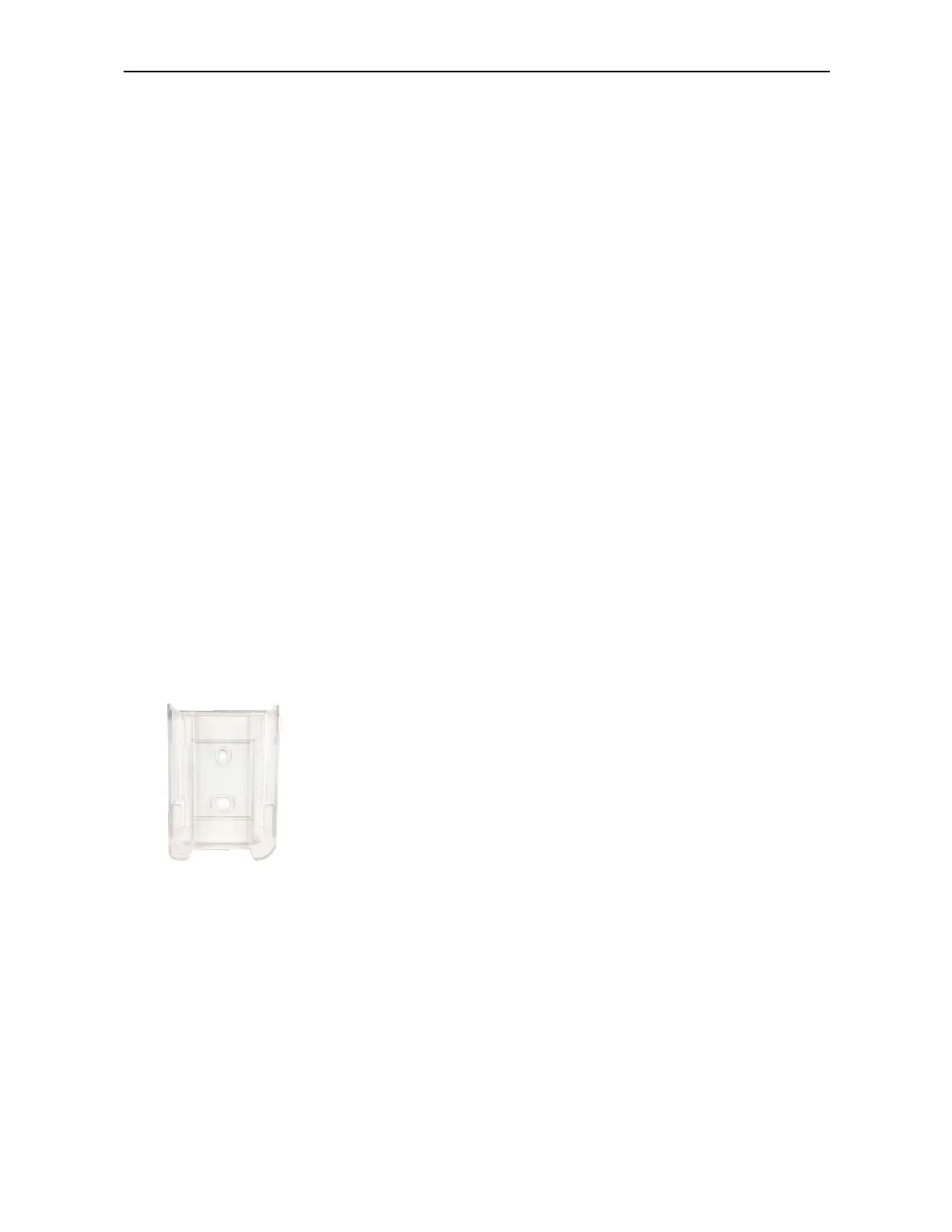
a wall mount bracket, which can be used, for example, to attach the VFC400-USB
to the side of a fridge



 To Next Page