Preparing a VFC400-USB for first use VFC400-USB User Guide 13
Configuring the VFC400-USB for logging
Before a VFC400-USB logger can be deployed, it must be configured with the parameters
required for starting and recording temperature values.
Loggers can be purchased unconfigured, or pre-configured, ready to be started, using
one of a number of different profiles that are available.
You can check if your logger is already configured or not by briefly pressing the
REVIEW/MARK button.
The logger is already configured to start
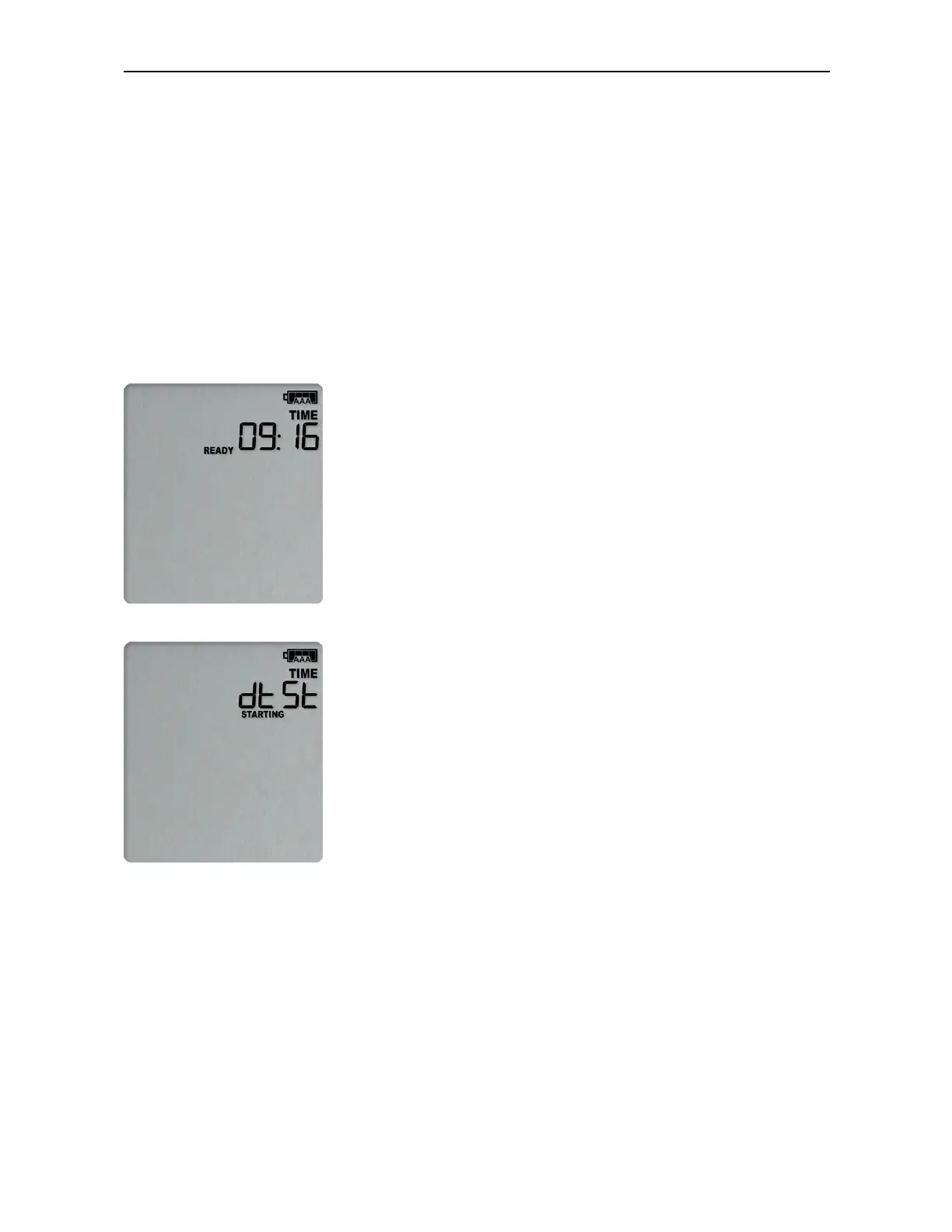
If your logger is configured to start it will show either
if the logger was pre-configured for a push-button start, or
if the logger was pre-configured for a Date/Time start.
If your logger shows one of these screens you may skip the configuration process.



 To Next Page