Preparing a VFC400-USB for first use VFC400-USB User Guide 14
The logger is unconfigured
An unconfigured VFC400-USB logger is delivered to you hibernated (i.e. in a state of low
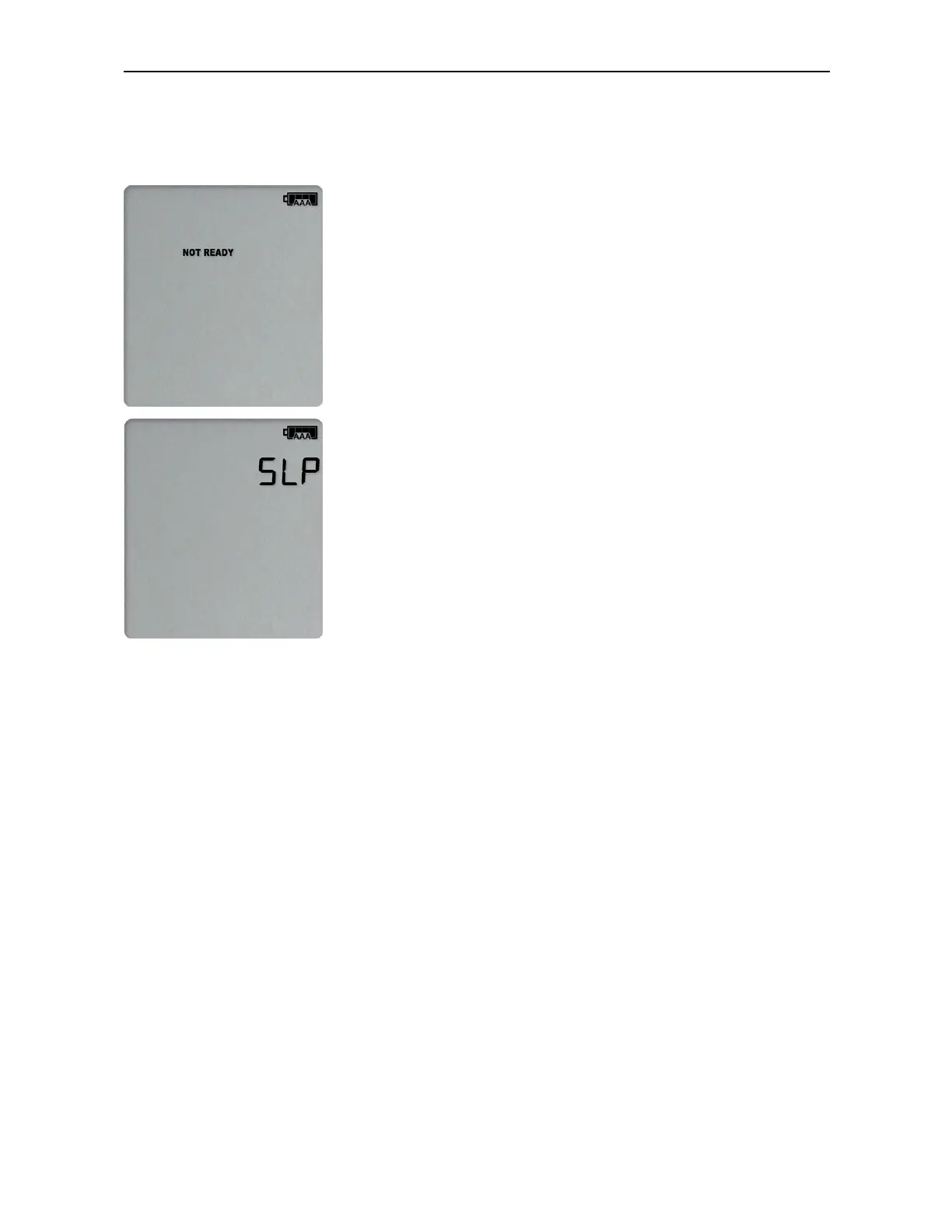
power consumption), and pressing the REVIEW/MARK button shows:
and then
If your logger is unconfigured you must set it up with the parameters required for
l
starting and recording temperature values;
l
printing the PDF; and
l
triggering alarms.
This is done using Control Solutions VTMC software, which can also be used for
downloading and analyzing data:
l
Start the Control Solutions VTMC software.
l
Remove the protective cap from the logger's USB socket and plug the Micro USB
end of the cable into the socket. Plug the other end of the cable into a USB socket
on your computer and wait for the drivers to be installed.
l
From the menu click LogTag - Configure; Control Solutions VTMC will display the
configuration settings currently stored in your VFC400-USB for reviewing or
editing.



 To Next Page