During Recording VFC400-USB User Guide 36
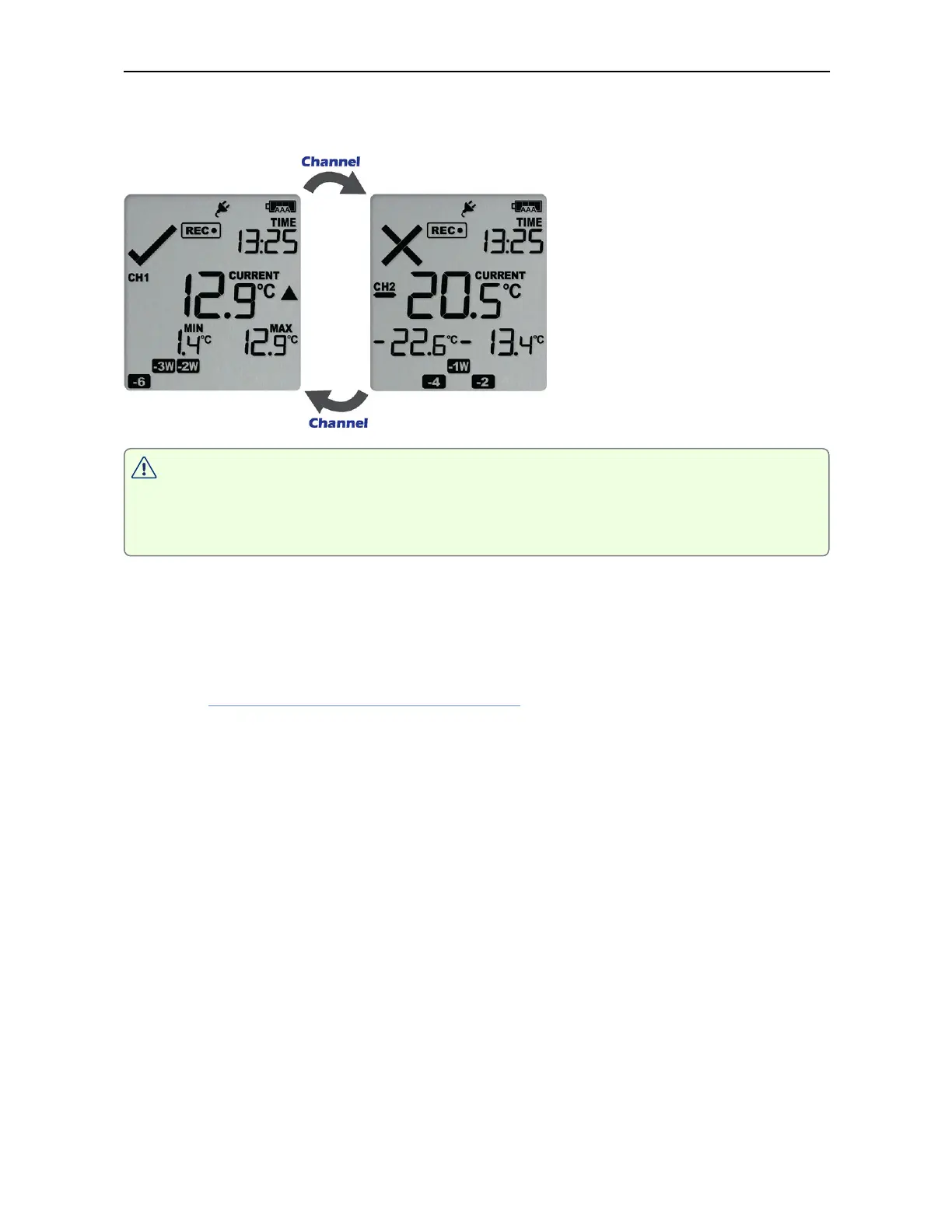
Auto Channel Swap starts again if you do not press this button for 30 seconds, or if you
press the START/CLEAR/STOP button.
The Alarm and OK symbols are independently shown for each channel. The red
LED, however, blinks as long as either channel has registered an active alarm,
and the buzzer will continue to operate.
The Auto Channel swap function is disabled
l
when the logger is stopped;
l
when the logger's power save feature is enabled, and it is powered by batteries; or
l
during review.
Please see Reviewing Day Statistics on the Display for information about how the
Channel button operates while reviewing data.



 To Next Page