18
COOLIUS A50
4.5 Setting
4.5.1 Machine set-up
The procedure allows to set the machine.
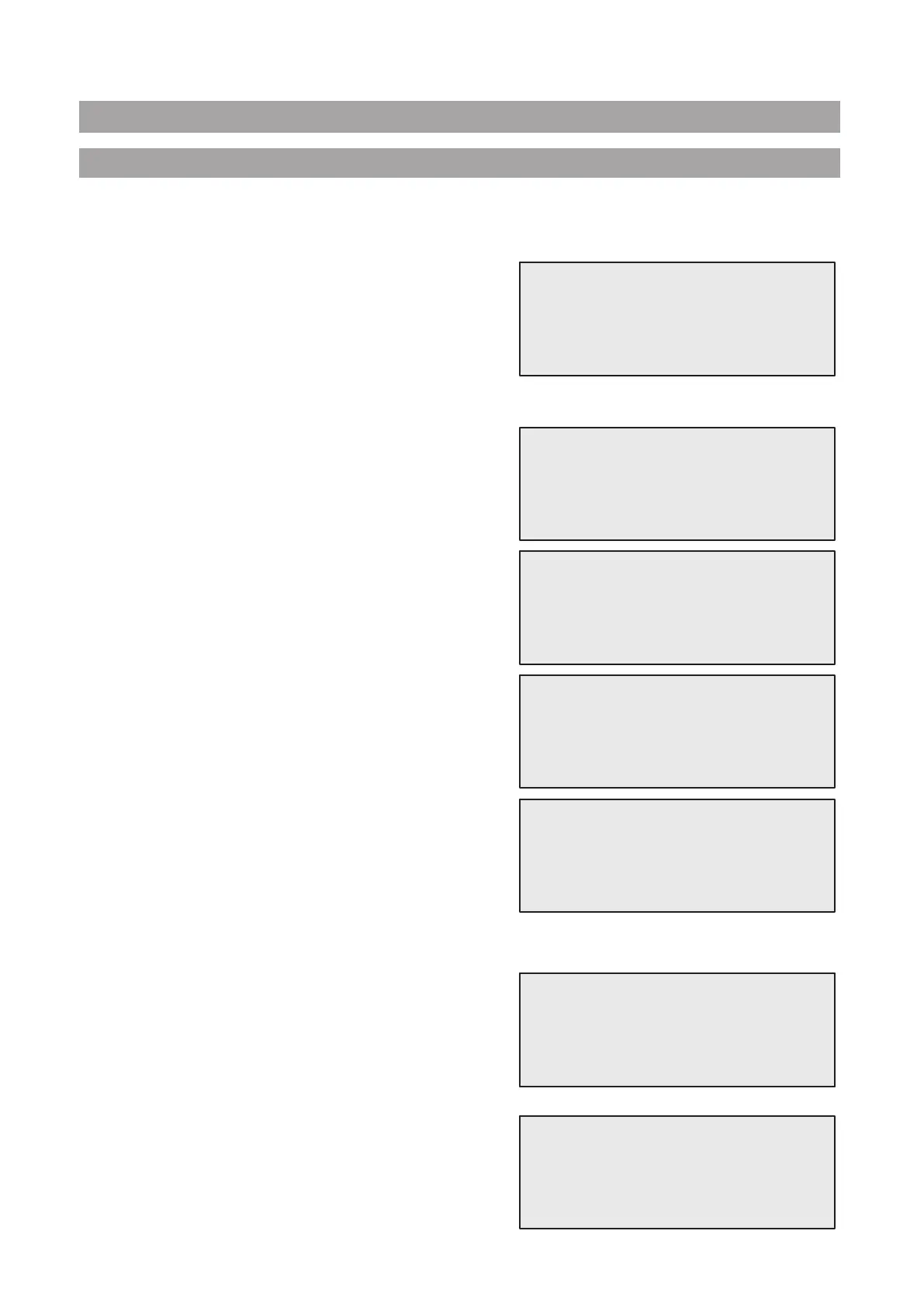
Turn COOLIUS SELECT to select
MACHINE SET-UP. Press ENTER to conrm.
Recovery data:
• 1 The data are reported on the ticket (refrigerant
quantity and oil).
• 0 The data are not printed.
Turn COOLIUS SELECT to select 1 or 0.
Press ENTER to conrm.
Refrigerant residual check:
The default value is applied in:
A/C DATABASE and FULL SERVICE
Turn COOLIUS SELECT to set. Press ENTER to conrm.
The next menu item is displayed.
Leak test:
The default value is applied in:
A/C DATABASE and FULL SERVICE
Turn COOLIUS SELECT to set. Press ENTER to conrm.
The next menu item is displayed.
Fresh oil:
The default value is applied in:
A/C DATABASE and FULL SERVICE
Turn COOLIUS SELECT to set. Press ENTER to conrm.
The next menu item is displayed.
UV Dye:
The value is set as default in:
A/C DATABASE and FULL SERVICE
Turn COOLIUS SELECT to set the value. Press ENTER key
to conrm.
NOTE: Set
0 to bypass the process
The next menu item is displayed.
Hoses length
Turn COOLIUS SELECT to set the service hoses length,
then conrm by ENTER.
The next menu item is displayed.
Language:
Turn COOLIUS SELECT to select the language, then conrm
by ENTER.
The next menu item is displayed.
Print recovery
data?
1
Refrigerant residual
check
min. 2
Leak test min. 2
Oil ml. 10
UV Dye ml. 6
Hoses length Set the HP hose
length (red hose)
cm. 300
Select:
Language 03


 To Next Page