28
COOLIUS A50
5.4 Owner DataBase
In the OWNER DATABASE, you have the ability to create your own, frequently used vehicle data.
5.4.1 Creation of a vehicle
1. In the Menu
A/C DATABASE turn COOLIUS SELECT
counter clockwise, the display shows:
Conrm by ENTER.
NOTE: The display could show
PLEASE WAIT! for a very
short time.
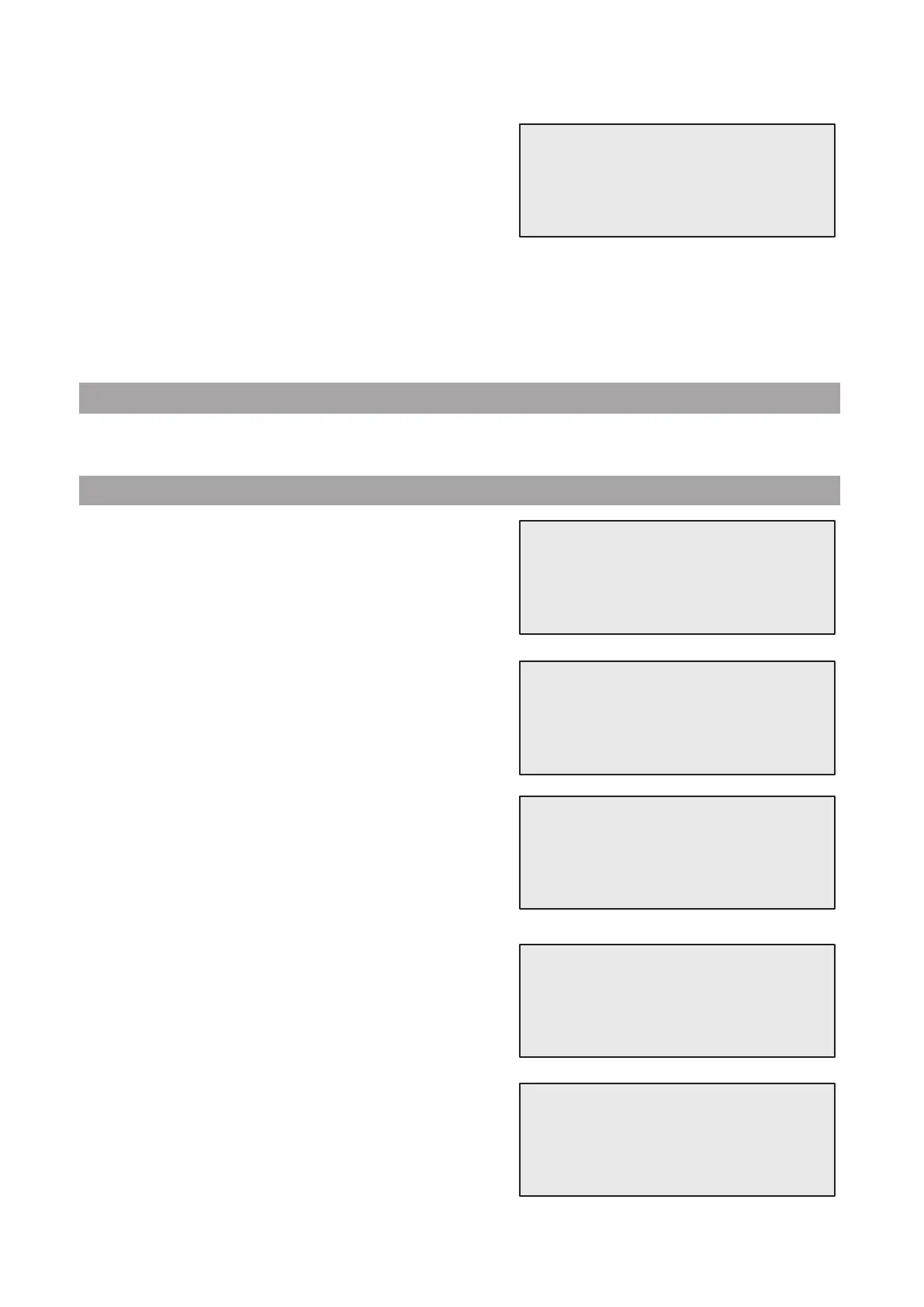
2. The display shows:
Conrm by ENTER to create a new vehicle or STOP to
exit.
3. Type the brand of the vehicle.
NOTE: The eld cannot be empty and a space is not allowed
as a rst character.
4. When the brand is led, press START to conrm.
5. Type the model of the vehicle.
NOTE: The eld cannot be empty and a space is not
allowed as a rst character.
6. When the model is led, press START to conrm.
The display shows:
7. Set the quantity of refrigerant by COOLIUS SELECT
(from 50 to 5.000). Press START to save.
The record is saved in alphabetical order.
Owner DataBase
New Model?
Brand:
█
A
34567890 BCDEFGHIJK
Model:
█
A
34567890 BCDEFGHIJK
Quantity:
g. 500
10. Turn COOLIUS SELECT to set (usually HP)
HP PORT / LP PORT / HP/LP PORTS
Press ENTER to conrm.
At the end The machine performs a self-cleaning process
See chapter 4.6 Automatic Internal ushing p. 20
if “Automatic internal ushing” is activated under
MACHINE SET-UP
See chapter Automatic internal ushing. p. 19
.
Otherwise it goes to stand-by mode.
Charge A/C system by
HP PORT


 To Next Page