30
COOLIUS A50
5.5 Open program
1. Press ENTER to go to selection menu (if in Stand-by
mode).
2. Press ENTER to conrm.
3. Turn COOLIUS SELECT to select the program or more
programs.
The following selections are available:
• “RECOVERY”
• “NITROGEN PRESS.TEST”
• “VACUUM”
• “A/C SYSTEM CHARGE”
• “RECOVERY / VACUUM”
• “VACUUM / A/C SYSTEM CHARGE”
• “RECOVERY / NITROGEN PRESS. TEST / VACUUM / A/C SYSTEM CHARGE”
4. Press ENTER to conrm.
5.5.1 Process setting
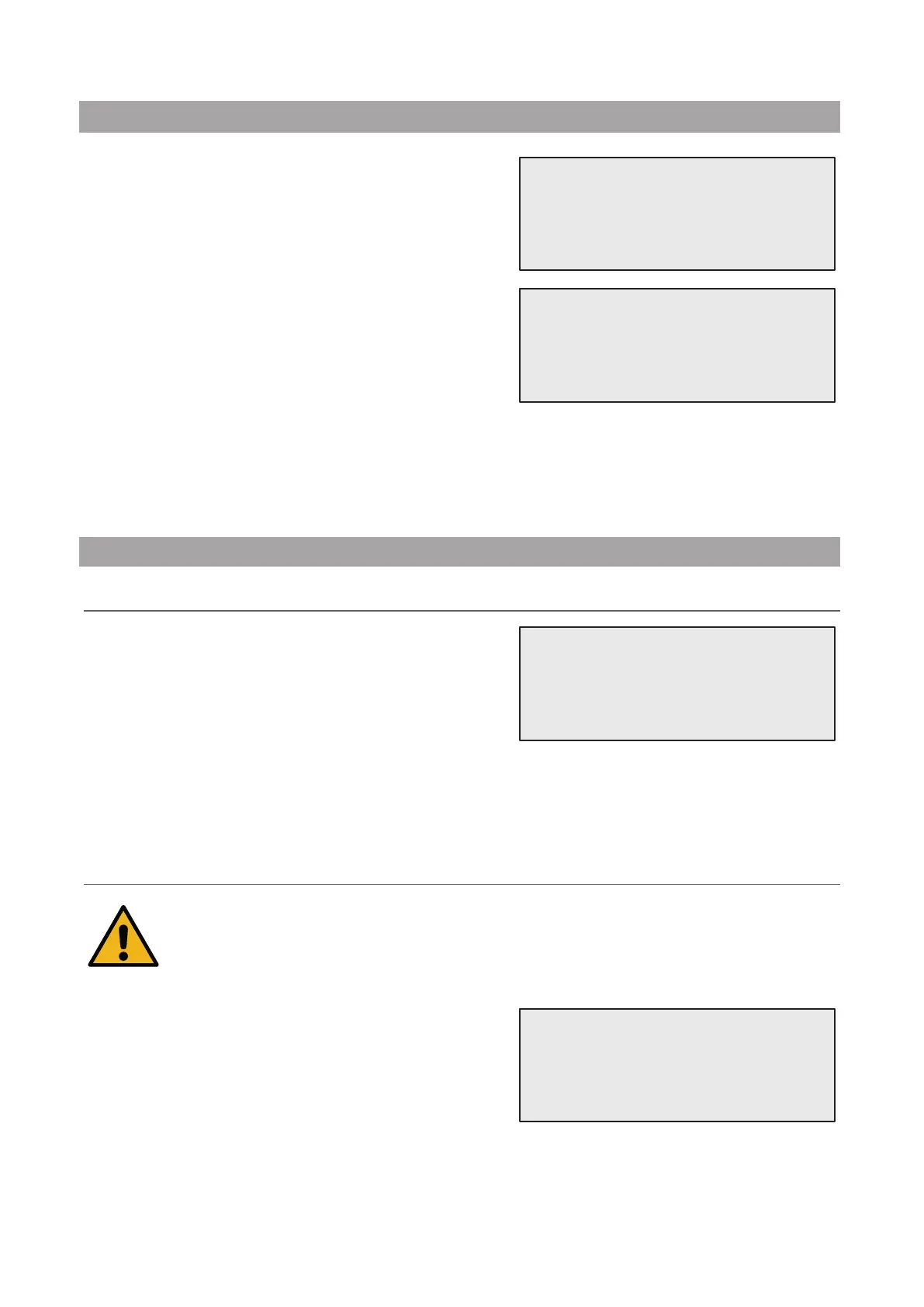
Recovery
1. Turn COOLIUS SELECT to set the value.
• Minimum: 1 min.
• Maximum: 60 min.
2. Press ENTER to conrm.
At the end The machine performs a self-cleaning process
See chapter 4.6 Automatic Internal ushing
p. 20
if “Automatic internal ushing” is activated under MACHINE SET-UP
See chapter Automatic
internal ushing. p. 19
Otherwise it goes to stand-by mode.
Nitrogen Pressure Test
Attention! Damage to the machine.
Maximum allowed pressure 12 bar!
Please refer to OEM instructions for Nitrogen Pressure Test!
1. Turn COOLIUS SELECT to set the Nitrogen test time.
• Minimum: 1 min.
• Maximum: 60 min.
2. Press ENTER key to conrm.
Open program
Recovery
Residual refrigerant
check.
min. 2
Nitrogen Press.Test
min. 3


 To Next Page