32
COOLIUS A50
Vacuum
1. Turn COOLIUS SELECT to set the vacuum time.
• Minimum: 0 min.
• Maximum: 900 min.
NOTE: 0 means innite Vacuum time (keep STOP key
pressed down for 3 sec. to end Vacuum phase)
2. Press ENTER to conrm.
3. Turn COOLIUS SELECT to set the leak test time.
• Minimum: 2 min.
• Maximum: 60 min.
4. Press ENTER to conrm.
A/C system charge
A) In case of vacuum selected:
1. Turn COOLIUS SELECT to select the oil type (PAG oil
or POE oil).
Press ENTER to conrm.
1. Turn COOLIUS SELECT to set the Fresh oil value.
NOTE: The value indicates only the new oil added to the
drained oil.
• Minimum: 0 g.
• Maximum: 150 g.
2. Press ENTER to conrm.
3. Turn COOLIUS SELECT to set the refrigerant amount.
• Minimum: 50 g.
4. Press ENTER to conrm.
B) In case of vacuum not selected:
C) In case of A/C system charge:
5. Turn COOLIUS SELECT to set (usually HP).
HP PORT / LP PORT / HP/LP PORT
6. Press ENTER to conrm.
7. Input CAR DATA, then press START key to conrm.
The equipment performs all the selected processes.
At the end, the machine performs a self-cleaning process
See chapter 4.6 Automatic Internal ushing
p. 20
if “Automatic internal ushing” is activated under MACHINE SET-UP
See chapter Automatic
internal ushing. p. 19
.
Otherwise it goes to stand-by mode.
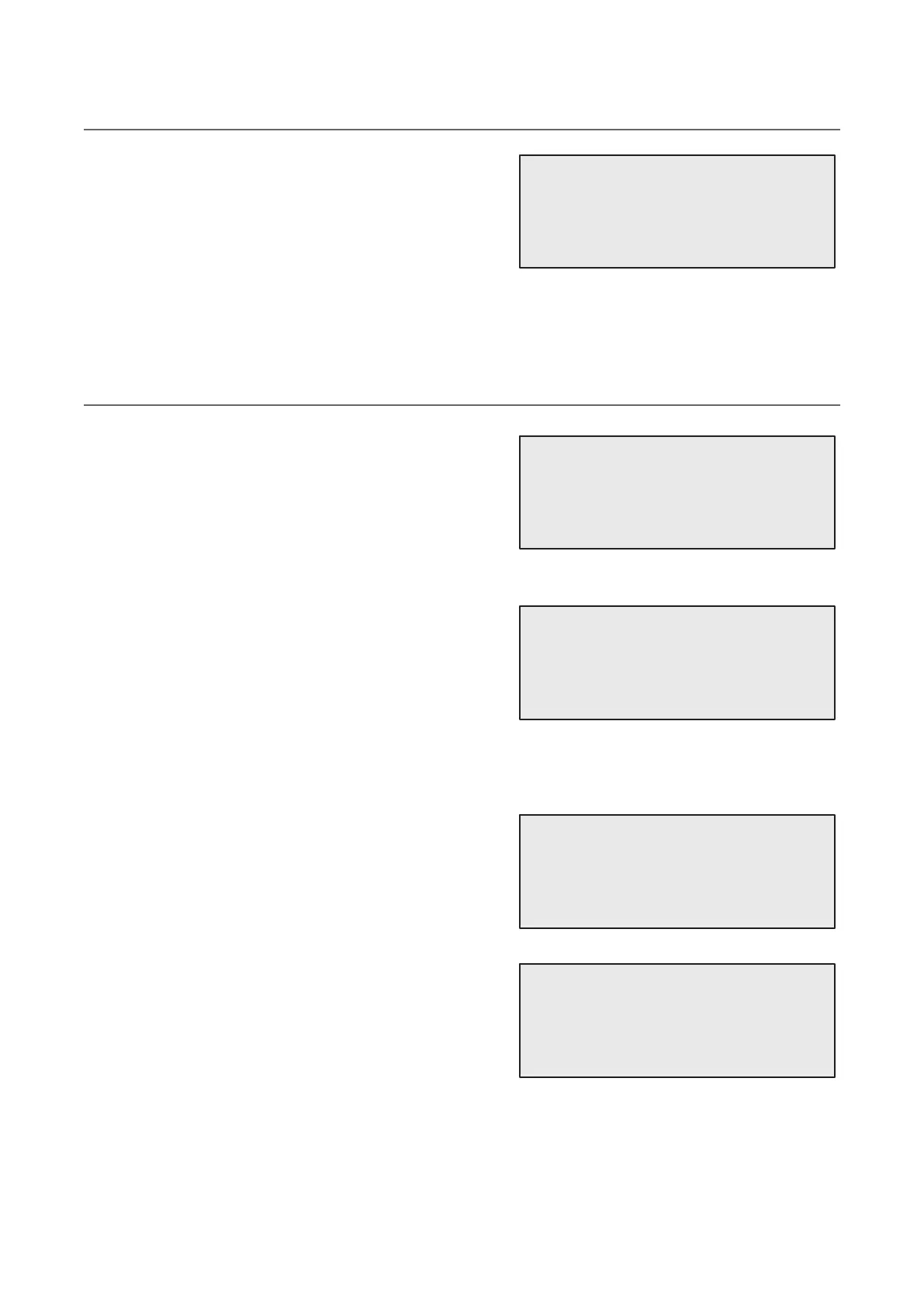
Vacuum time
min. 20
Leak test min. _
Select oil type:
PAG oil
PAG Oil ml. 10
UV Dye ml. _
Refrigerant
g._____
Refrigerant
g._____
Charge A/C system by
HP PORT


 To Next Page