29COOLIUS A50
5.4.2 Selection of a vehicle
1. Enter in
A/C DATABASE.
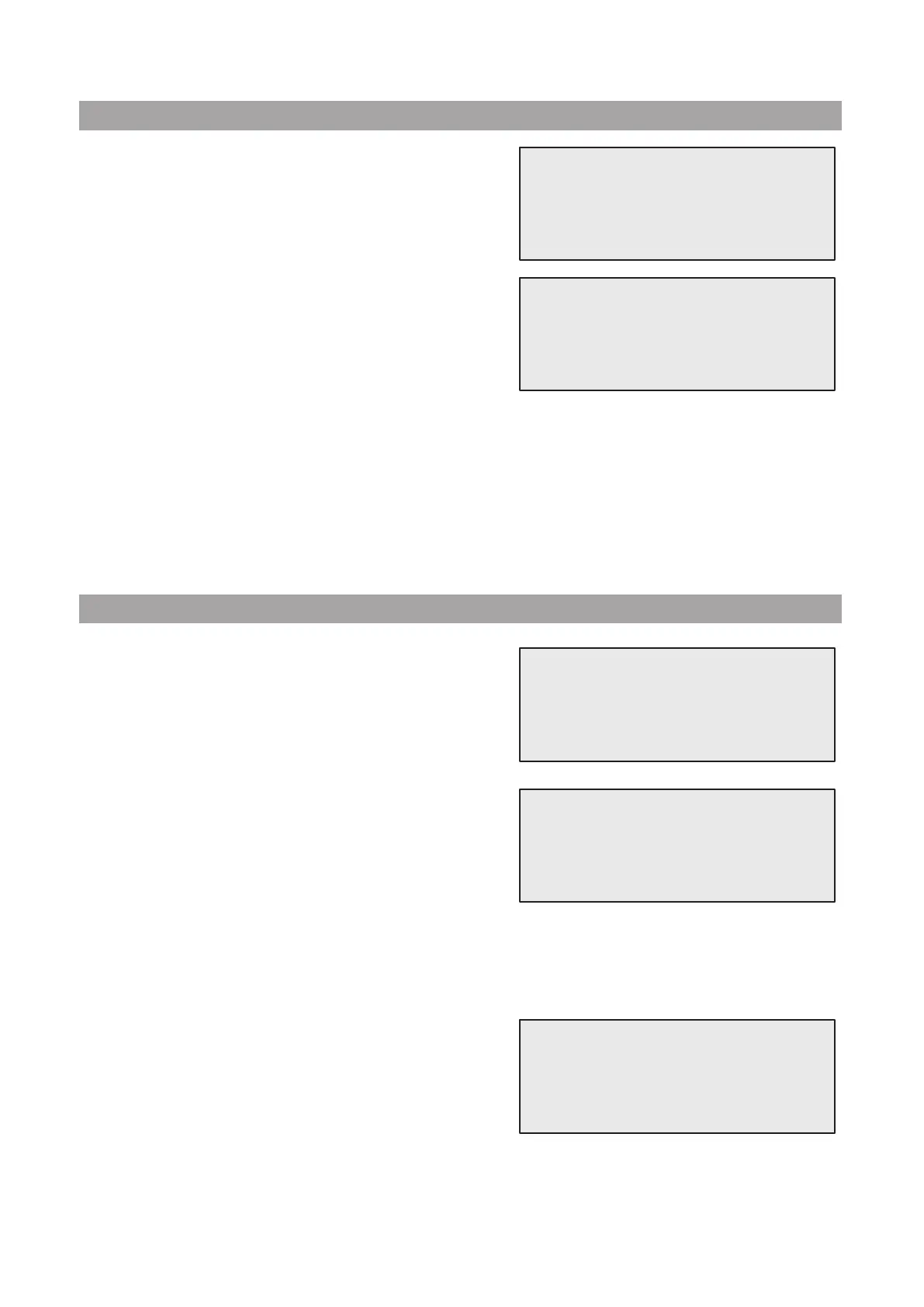
Turn COOLIUS SELECT counter clockwise, the display
shows:
2. Turn COOLIUS SELECT to select the desired vehicle,
then press ENTER to use it, or STOP to exit.
3. Turn COOLIUS SELECT to choose between:
• AUTOMATIC: The machine performs a complete process using the default values for oil and UV
(set in MACHINE SET-UP).
• MANUAL: The machine goes to the complete process set-up
See chapter 5.5 Open program p. 30
RECOVERY / NITROGEN PRESS. TEST
/ VACUUM / A/C SYSTEM CHARGE
.
NOTE: Set the Nitrogen test time to
0 minutes to bypass the pressure test.
4. Press ENTER to conrm or STOP to go back to the Owner DataBase list of vehicles.
5.4.3 How to modify or delete a saved vehicle
1. Enter in
A/C DATABASE.
Turn COOLIUS SELECT counter clockwise, the display
shows:
2. Press i (INFO) key, then the display shows:
3. Turn COOLIUS SELECT to select between
MODIFY
and DELETE, then press ENTER to conrm or STOP to
go back to the Owner DataBase list of vehicles.
• MODIFY: Overwrite the existing BRAND, MODEL and Quantity elds for the selected vehicle
as shown in CREATION OF A VEHICLE.
See chapter 5.4.1 Creation of a vehicle p. 28
• DELETE: Press START to conrm when the
display shows:
Wait a few seconds.
NOTE: The waiting time increases as the number of vehicles
in the Owner DataBase becomes larger.
The vehicle is now deleted and the machine goes to the Owner DataBase list of vehicles.
UserBrand
UserModel
g. 500
INFO
Automatic
UserBrand
UserModel
g. 500
INFO
Modify
Delete
Confirm by “START”


 To Next Page