DF6000 - USER MANUAL
31
Fixing Details
Read all the installation instructions before commencing with the installation. The installation of this panel
must be carried out by a suitably qualified /trained person. Theinstallation must comply with IEE wiring
regulations and with BS5839 Pt 1 2002 The electronic components within the fire panel are Static
Sensitive. Do not touch the electronics directly.
Mounting the Backbox
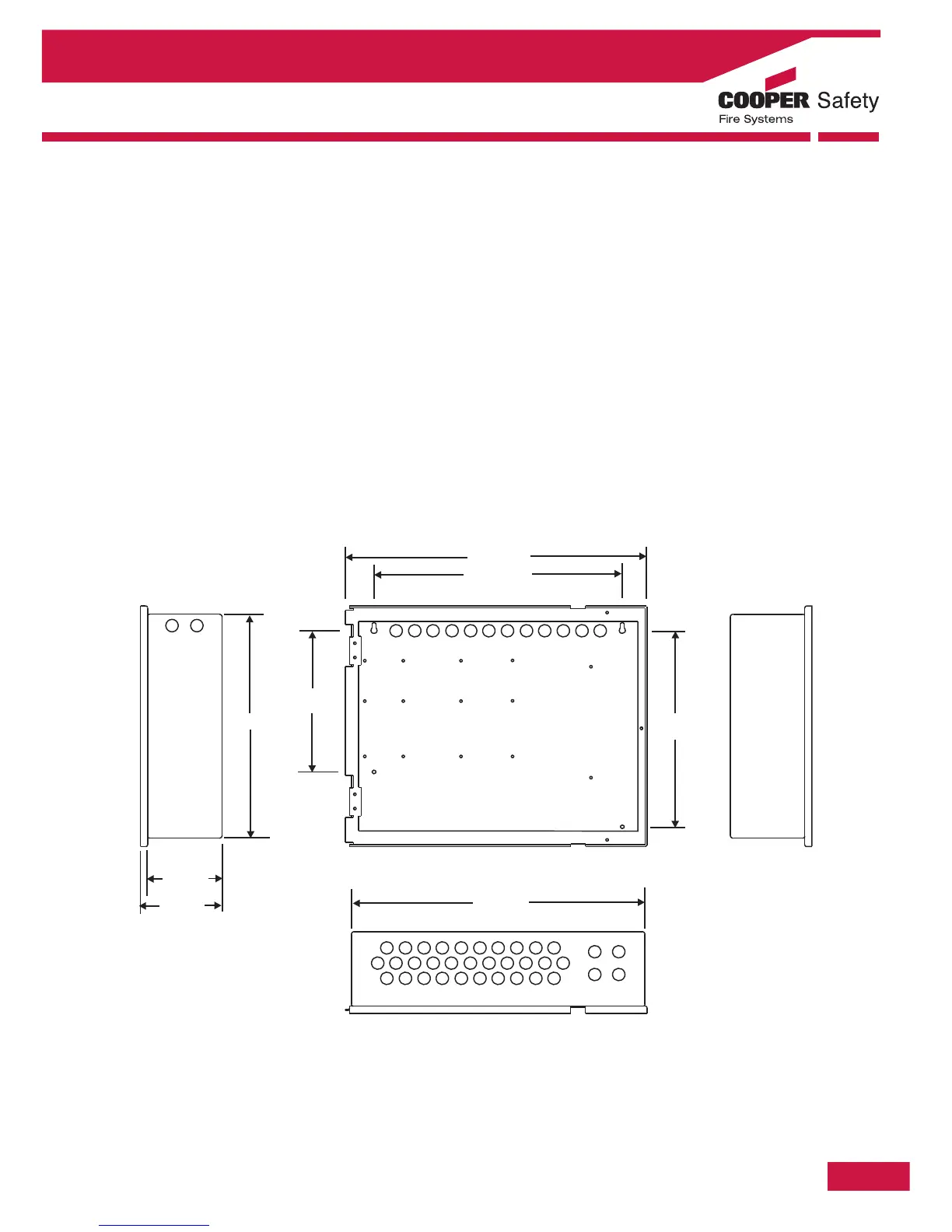
The DF6000 can be flush mount or surface mounted.
1. Surface Mount: Drill four holes and fix the backbox to the wall.
2. Flush Mount: The backbox requires a hole 364 x 472 with a depth of 117mm (standard battery /
backbox ) or 217 mm if deep backbox is used.
Installing Cabling
Once the backbox is mounted the next stage is to install the power and loop cables and fit the glands.
Section 1 - System Installation and Design



 To Next Page