EasyManua.ls Logo

Cooper DF6000 - Silence Alarms

Cooper DF6000
114 pages
Print Icon
To Next Page IconTo Next Page
To Previous Page IconTo Previous Page
Loading...
DF6000 - USER MANUAL
56
Silence Alarms
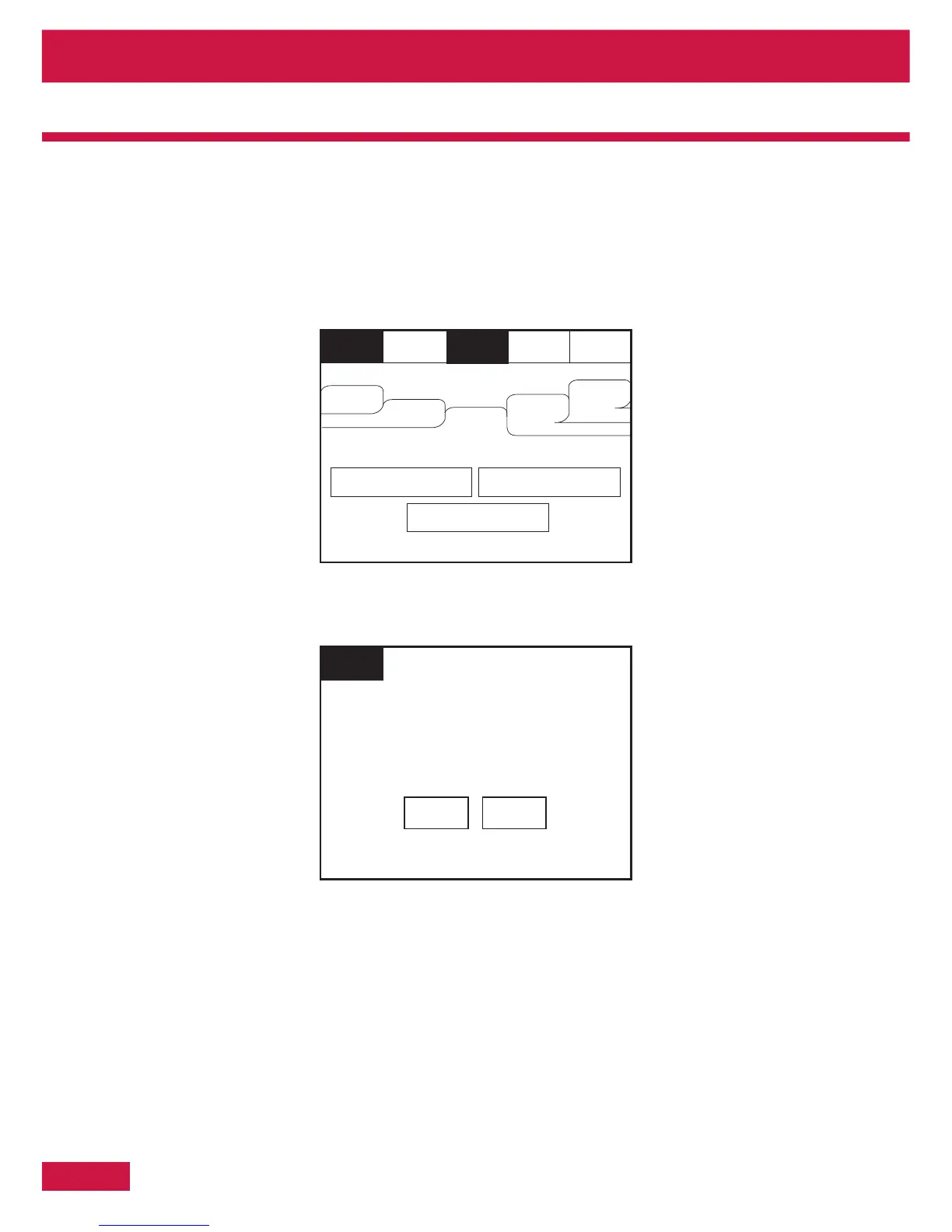
To activate the touch screen, touch the top left corner of the screen until the screen illuminates. To enter
the supervisor mode touch the supervisor button and enter the passcode.
Enter the Supervisor Mode Passcode and select “Silence Alarms” button as the top of
Select “yes” to silence Alarm.
Section 4 - Panel Controls and Indicators

Reset
Supervisor
FRE off
Mute
Buzzer
View Fires
AC = 0
View Pre
Alarms
View
Disabled
View
Faults
Others
Evacuate
I/O
Zone: 0
Silence
Alarms
Address: 0
Touch button to view list
This will silence ALL sounders
Do you wish to continue?
Supervisor
FRE Off
Yes No

Table of Contents

Related product manuals