EasyManua.ls Logo

Cooper DF6000 - Replace Device

Cooper DF6000
114 pages
Print Icon
To Next Page IconTo Next Page
To Previous Page IconTo Previous Page
Loading...
DF6000 - USER MANUAL
66
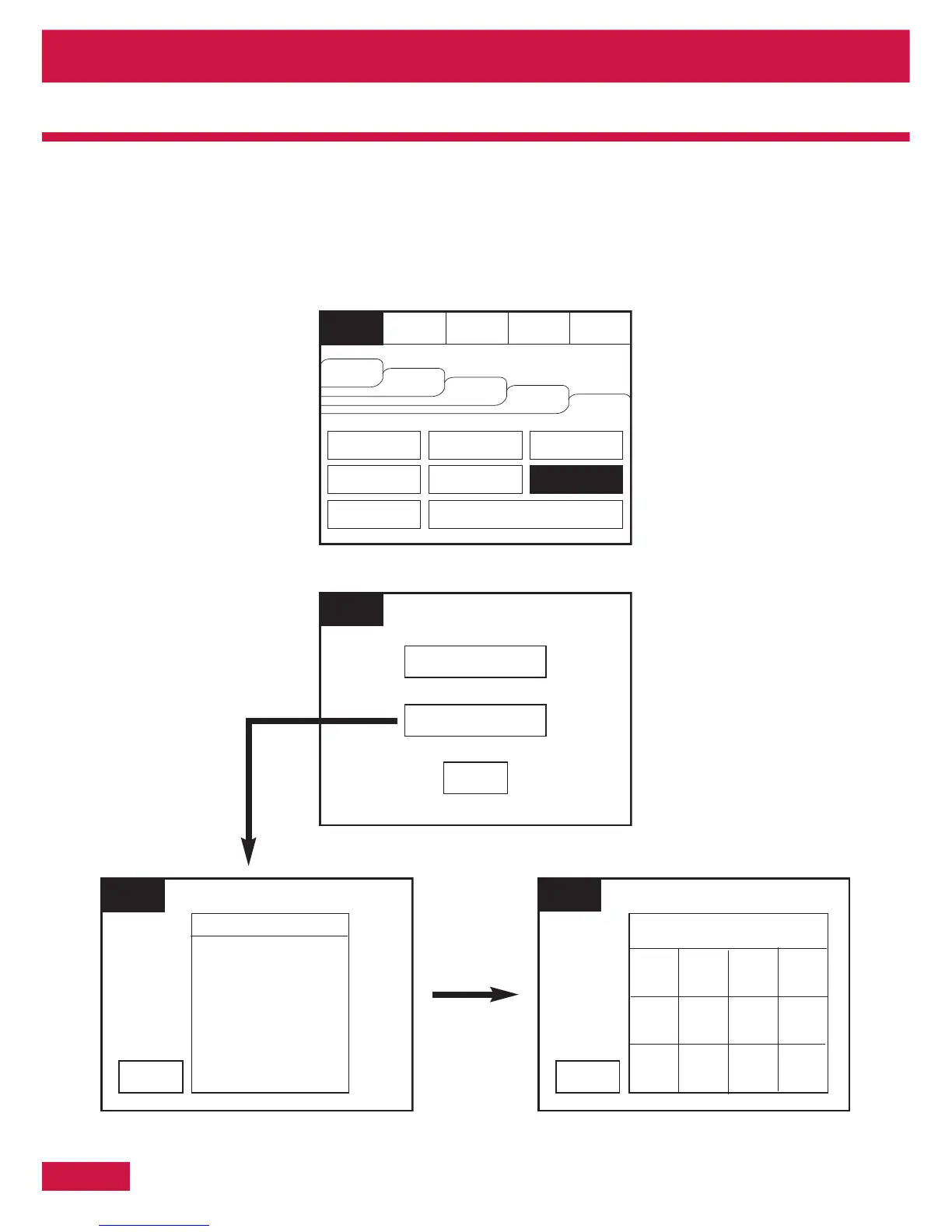
Replace Device
Replace device enables an existing device to be replaced with a new device without losing the existing
text and sounder programming. Replace a single device then use use the replace device menu to allocate
an existing address to the new device
Section 4 - Panel Controls and Indicators
Reset
Silence
Alarms
Supervisor
FRE off
Evacuate
Fires
AC = 0
View Pre
Alarms
View
Disabled
View
Faults
Others
Print
Lamp Test
Weekly Test
Veiw Log
Mute
Buzzer
Enable / Disable
Send Log to PC
Check Config.
Send Analogue Value to PC
Supervisor
FRE Off
Exit
Replace Device
Check Auto Config
Supervisor
FRE off
Select a Loop
Exit
Loop 1
Loop 2
Supervisor
FRE off
Enter Loop 1 Address
Exit
1230
546
789
Del
OK

Table of Contents

Related product manuals