DF6000 - USER MANUAL
65
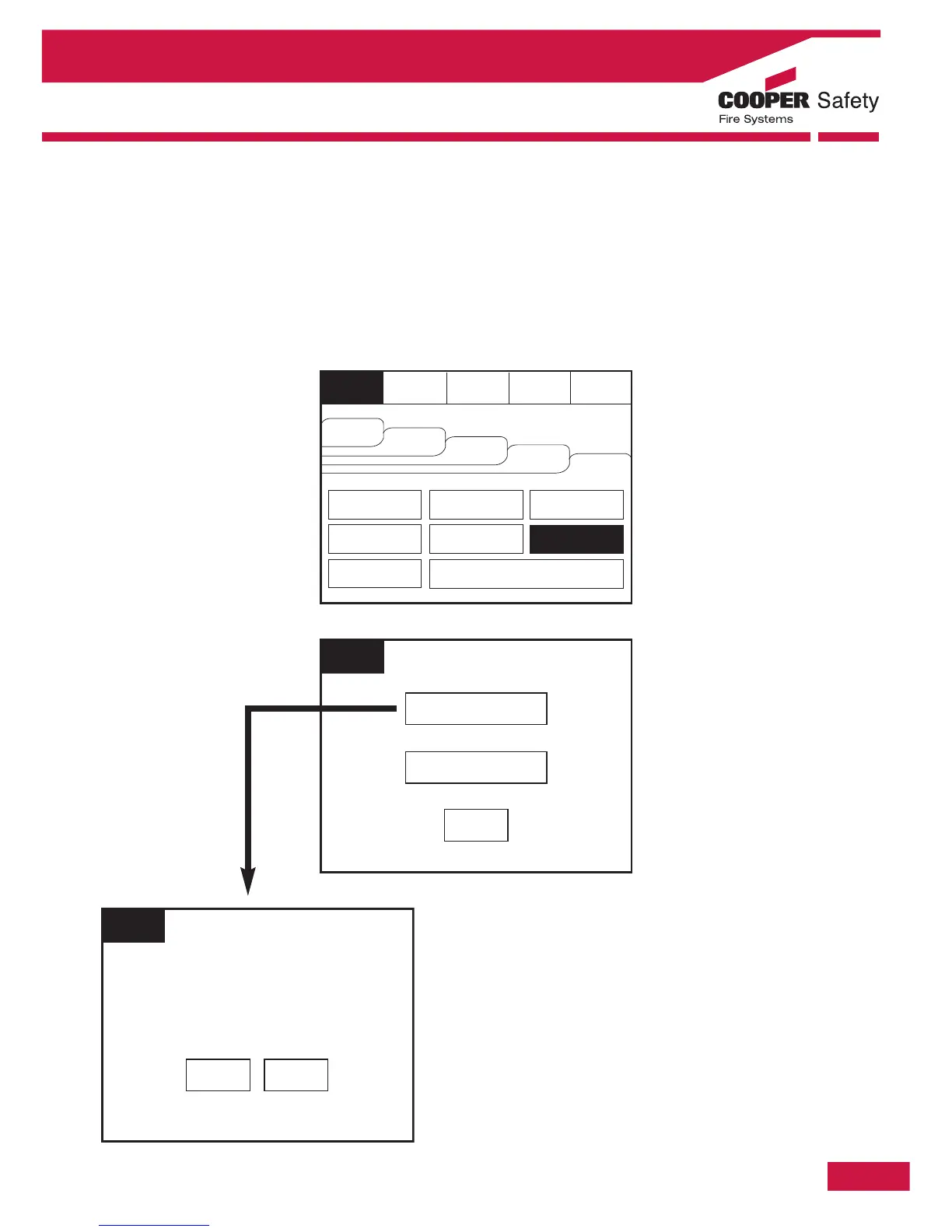
Check Auto Config
To activate the touch screen, touch the top left corner of the screen until the screen illuminates. To enter
the supervisor mode touch the supervisor button and enter the passcode.
Enter the Supervisor Mode and Select the “Others” Tab. Press Check Auto Config. This feature will scan
the loop and pinpoint the exact location of any break in the loop wiring and will also identify any changes
in the loop configuration (e.g. New devices added or changed device types).
Section 4 - Panel Controls and Indicators



 To Next Page