DF6000 - USER MANUAL
39
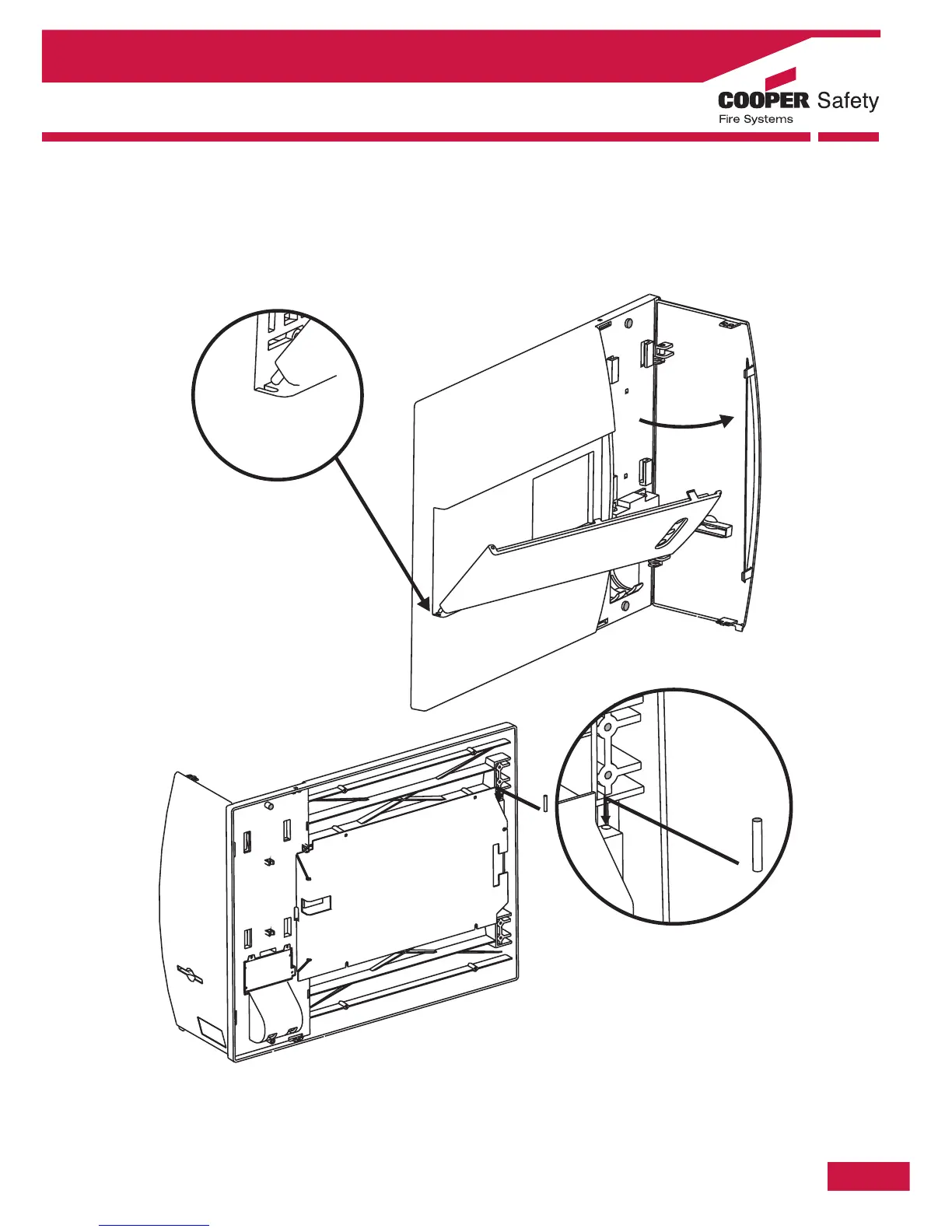
Installing a Hinged Cover
An option hinged cover is available as an optional extra item for DF6000. This can be fitted as standard
equipment prior to despatch or retro-fitted later. The method for fitting a cover is shown below.
Section 2 - Panel Assembly Information
Insert the bottom peg of the
hinged cover into the panel as
shown and close the hinged cover
followed by the printer door. Next
from the back of the panel insert
second peg though the hole
shown below and push into the
hinged cover



 To Next Page