26
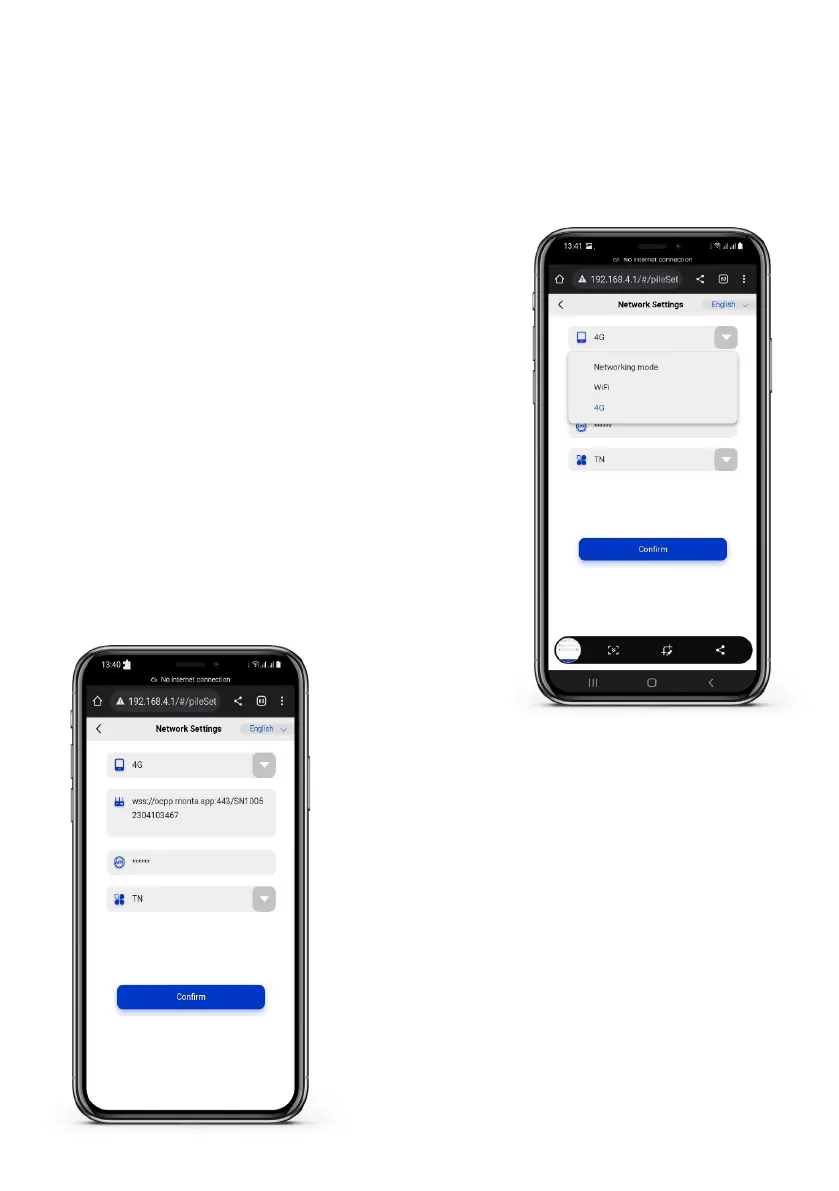
Step 2: Checking the SIM APN settings
• The SIM APN information should already be
lledinasthechargerautomaticallydetects
it.
• If the APN information is not automatically
detected,pleasemanuallyllintheAPN
details.
7.4 4G Mode conguration (optional)
The installer needs to make sure that the sim card APN is already detected by the
charger if opting for 4G connection.
Step 1: Log in to the AP page
• Refer to section 7.1 and follow steps 1-6.
• Go to Network settings.
• Select 4G mode from the drop-down menu.


 To Next Page