34
9.1 Charge using Monta app
1. Plug the charging gun into the EV charge point.
2.Oncepluggedin,pleaseensurethatthecharginggunisconnectedcorrectlyand
tightly.
3.Whentheconnectioniscorrectlysetup,thechargepoint’sLEDindicatorwillash
yellow,whichshowsthatthechargepointisreadyforcharging.
4. Start the charging session through the Monta app
5.Whenthechargingsessionhasstarted,theLEDindicatorwillshowapulsinggreen
pattern.
9.2 Charge using RFID card
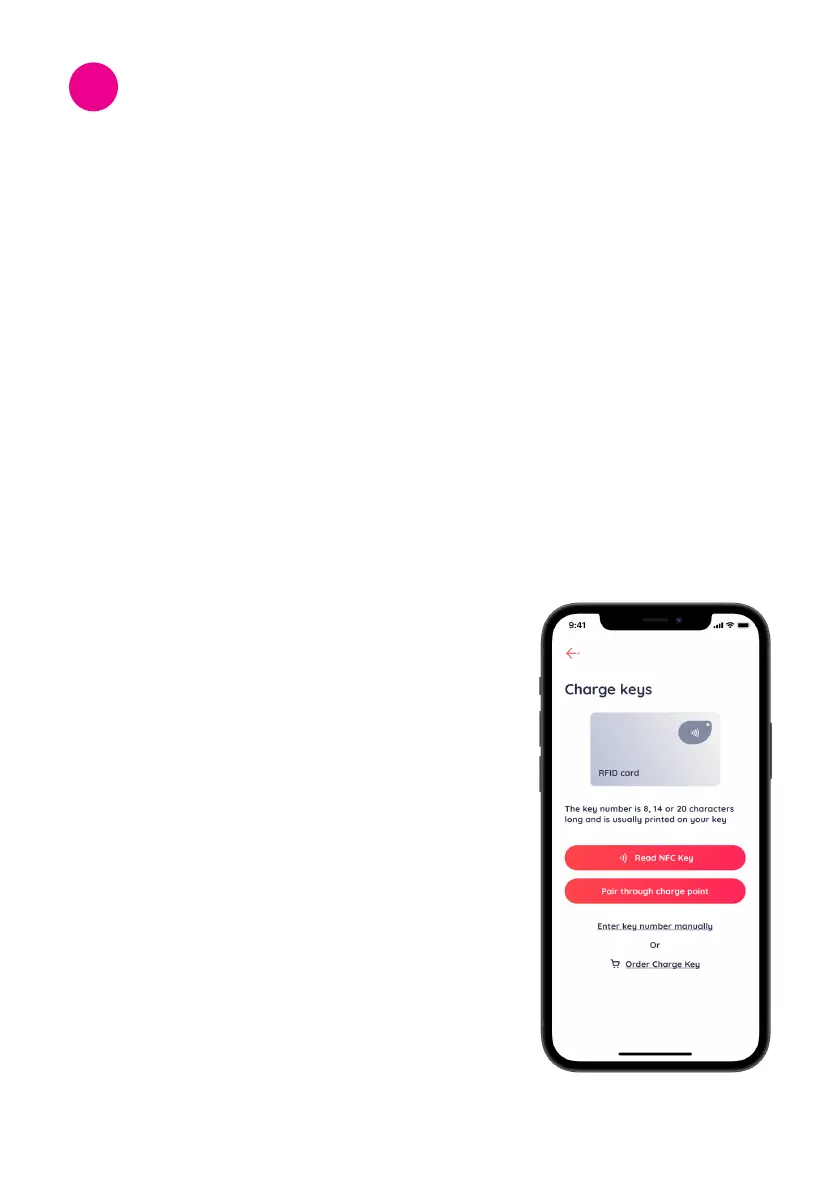
1. Register the 8-digit alphanumeric code on the
RFID card to the Monta Charge key setting.
2.OnceregisteredasMontaChargeKey,theRFID
cardcanbeusedtoauthorizeachargingsession
evenwhenthedeviceisofine.
3. Plug the charging gun into the EV charge point.
4.Oncepluggedin,pleaseensurethatthecharging
gun is connected correctly and tightly.
5.Whentheconnectioniscorrectlysetup,the
chargepoint’sLEDindicatorwillashyellow
which shows that the charge point is ready for
charging.
6. Hold the RFID card to the front of the charge point
for 3 to 5 seconds.
7.Whenthechargingsessionhasstarted,theLED
indicator will show a pulsing green pattern.
Charging Operation and
Conguration
9



 To Next Page