27
ThefollowingnetworkcongurationstepappliesforMontareadyCordproductwith
Wi-Fi connection.
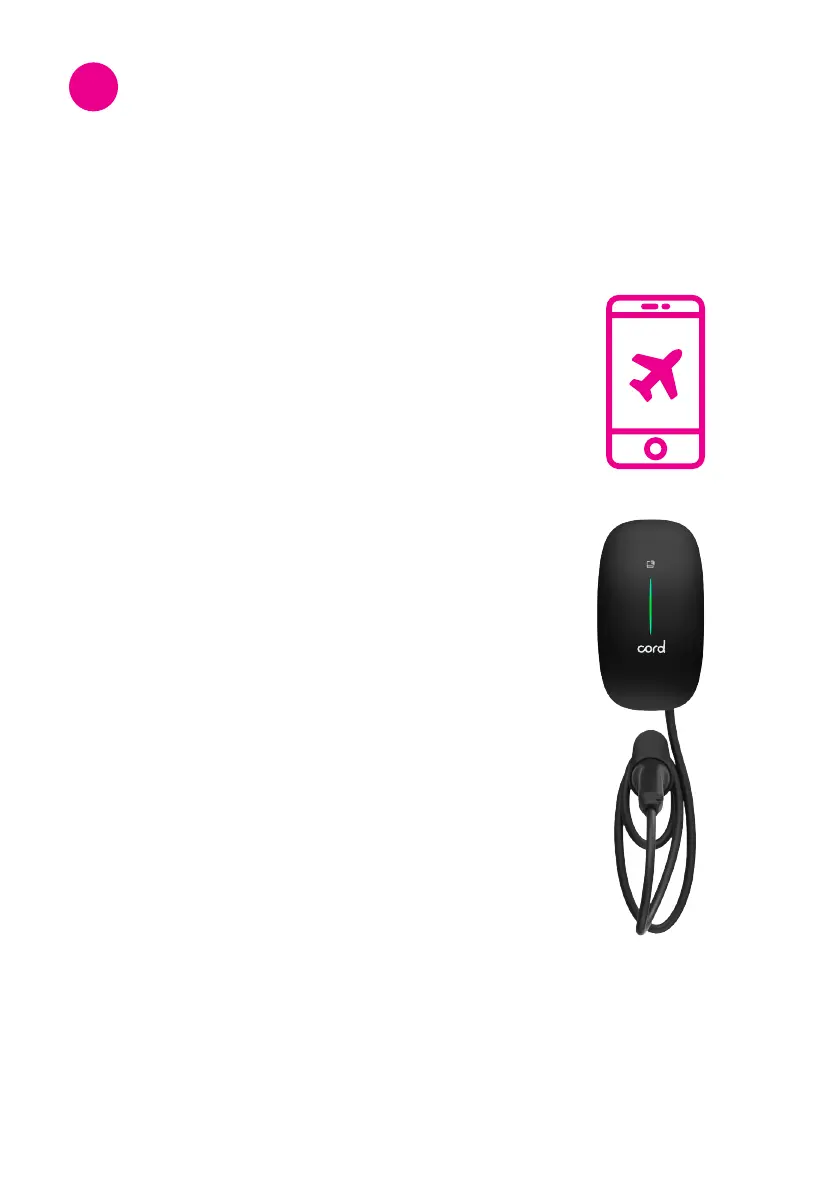
Step 2: Power reboot
• Restart the power of the Cord charge point and
ensuretheindicatorlightisashinggreen.
• Pleasenotethatthenetworkcongurationsetting
is only accessible for 15 minutes after the power
reboot.
Step 1: Airplane mode
Please switch your smartphone to airplane mode.
Network Conguration and
Monta App Setup
8


 To Next Page