15
3.4 Use Your FL022 with the “Coredy Robot” App
Before you start, make sure that:
To enjoy all available features, it is recommended to control your Robot via the Coredy Robot App.
1. Your smartphone or tablet is connected to a 2.4GHz Wi-Fi network ( Only support 2.4GHz network).
2. Your smartphone or tablet is running iOS 11.0 (or above) or Android 5.0 (or above).
3. The Wi-Fi status light on Robot is slowly flashing blue.
4. Robot is attached to the Charging Dock to ensure it has enough power during setup.
Coredy Robot
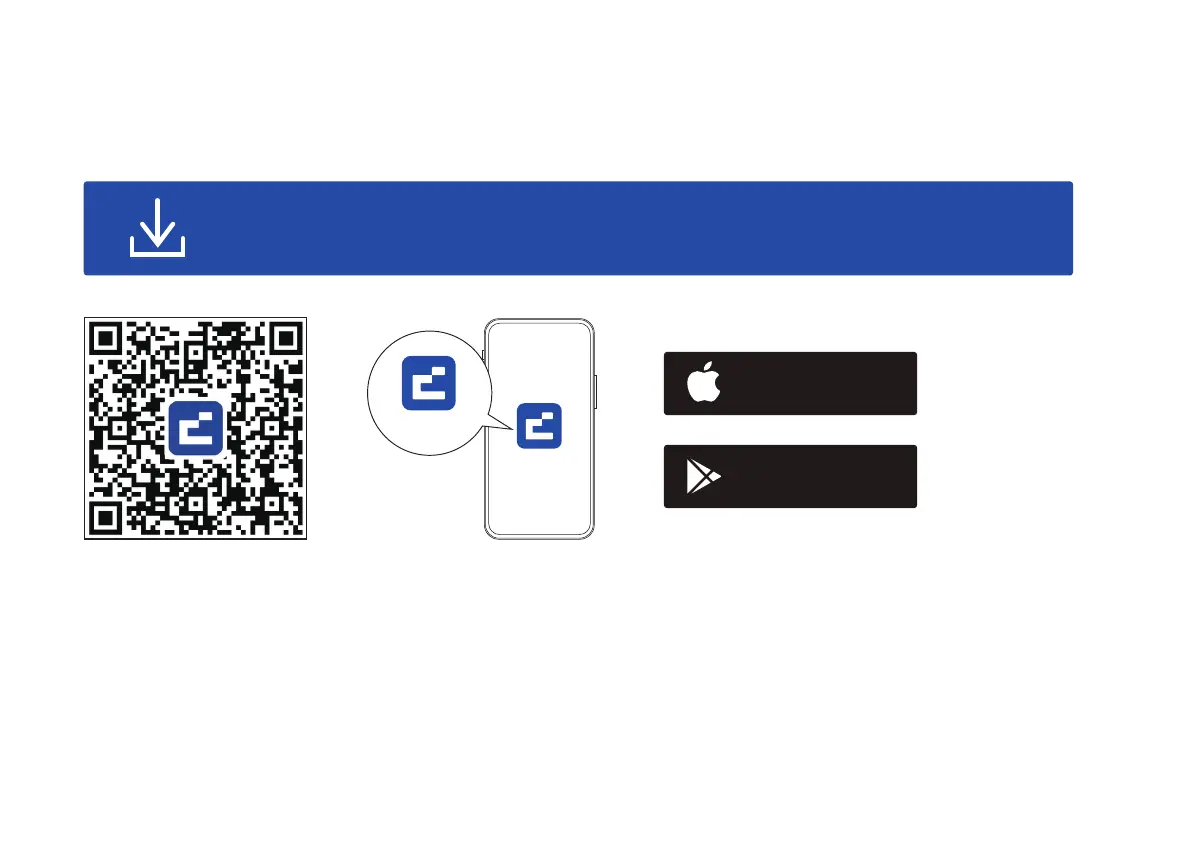
Scan the QR code as below to download the latest version of App or download from the App Store
(iOS devices) or Google Play (Android devices).
Download on the
App Store
Get it on
Google play
Coredy Robot


 To Next Page