FMFV - Installation Manual
Publication Number: 919000012INS - 27 - © 2018-19, Cornelius Inc.
Software and firmware update
Table 9
1.
Software shall be updated by a trained technician
Connect USB storage drive to your computer.
2.
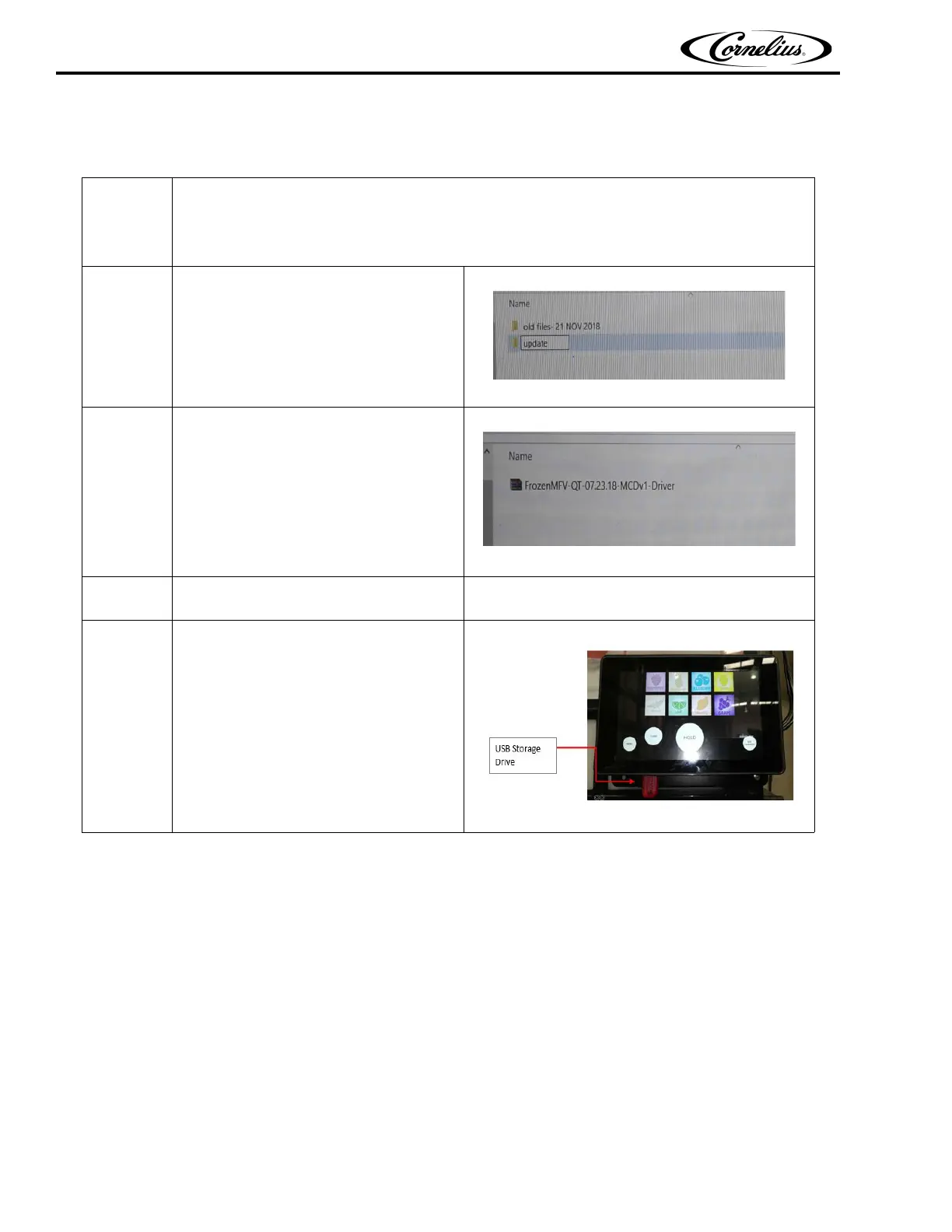
Create folder named “update” in the
USB storage drive.
Figure 48.
3.
Download and save the software update
zip folder
Example: (FrozenMFV-QT-07.23.18-
MCDv1-Driver) inside “update” folder.
Figure 49.
4.
Safely remove the USB drive from your
computer.
5.
Plug the storage media in to USB port
Located under the left side of display
(connect to any one port)
Figure 50.



 To Next Page