4-27
Controls and Indicators
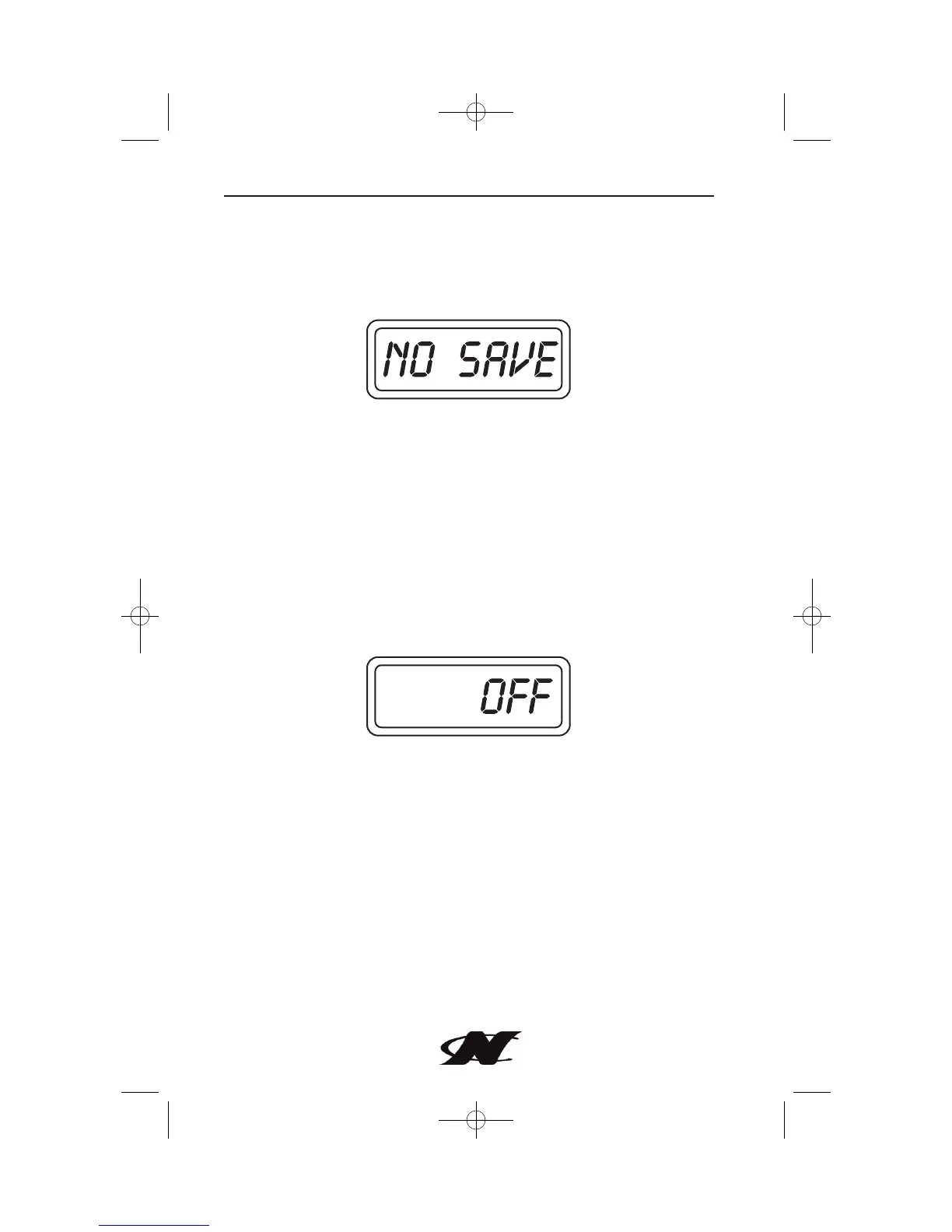
To exit the adjustment procedure without saving, press and hold M
for two seconds when the display shows “NO SAVE.” Multiple runs
in opposite directions may be necessary to compensate for errors
due to water currents.
Depth Sounder Function
To display depth information on the LCD push and release the M
until the display shows the depth. The depth sounder is turned on
and off with the ignition switch. The depth sounder can also be
turned off at any time, while in depth display mode, by pressing and
holding M while the depth sounder counts down a three second
delay.
The depth display will then indicate “OFF.”
Press and hold the M to turn the depth sounder back on.
When there are no alarm conditions, the water depth is displayed.
If the signal is weak or lost, or there is no transducer connected, the
display will alternate between the last known depth and four
horizontal bars.








 To Next Page