4-44
Section 4
GPS Display
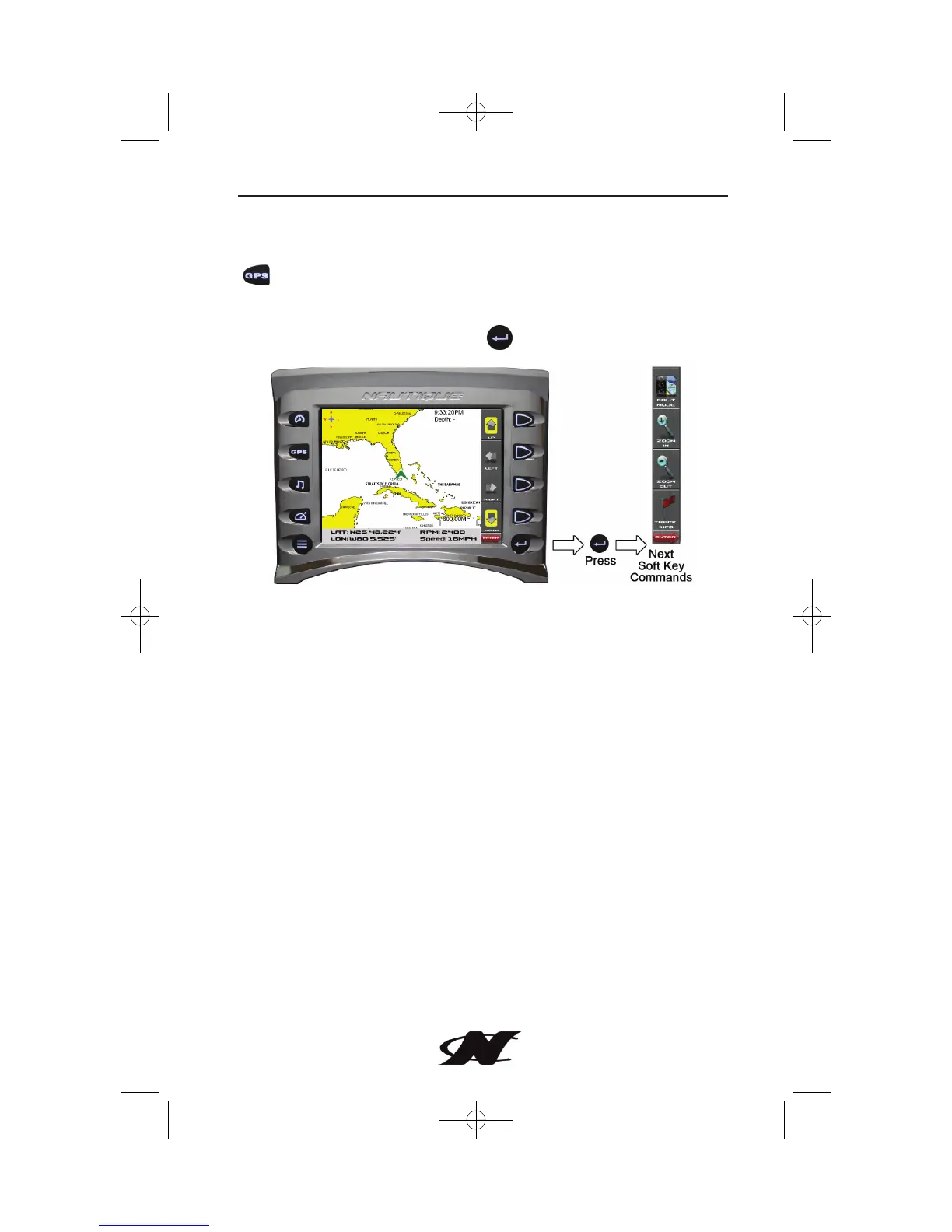
The GPS Display screen can be accessed by pressing the Quick Access Key
or by selecting “GPS Display” from the Menu options.
The GPS feature displays map data and up to 3 configurable gauges,
Latitude and Longitude coordinates, time and speed. Additional Soft Key
Commands are accessed by pressing .








 To Next Page