4-30
Section 4
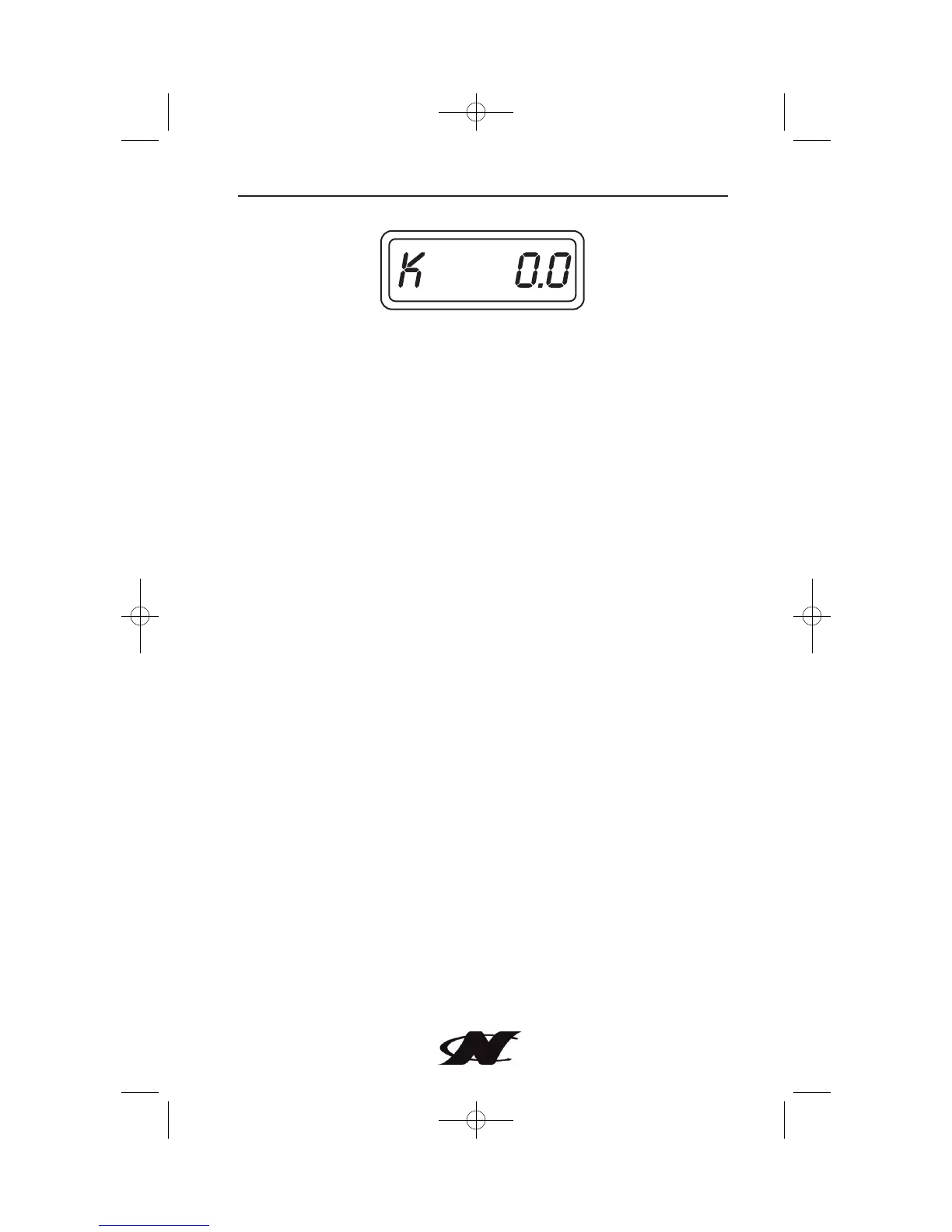
Holding M in for two seconds will save the new keel offset setting
and change the display back to the normal depth mode. The keel
offset is normally a negative number.
Units
Change the unit of measure.
This display will show “UNIT FT” for feet (default), “UNIT FA” for
fathoms, or “UNIT M” for meters. Pressing s and t will cycle
through the choices. Pressing and holding the M will save the units
shown in the display and change the display back to the normal
depth mode.








 To Next Page