13
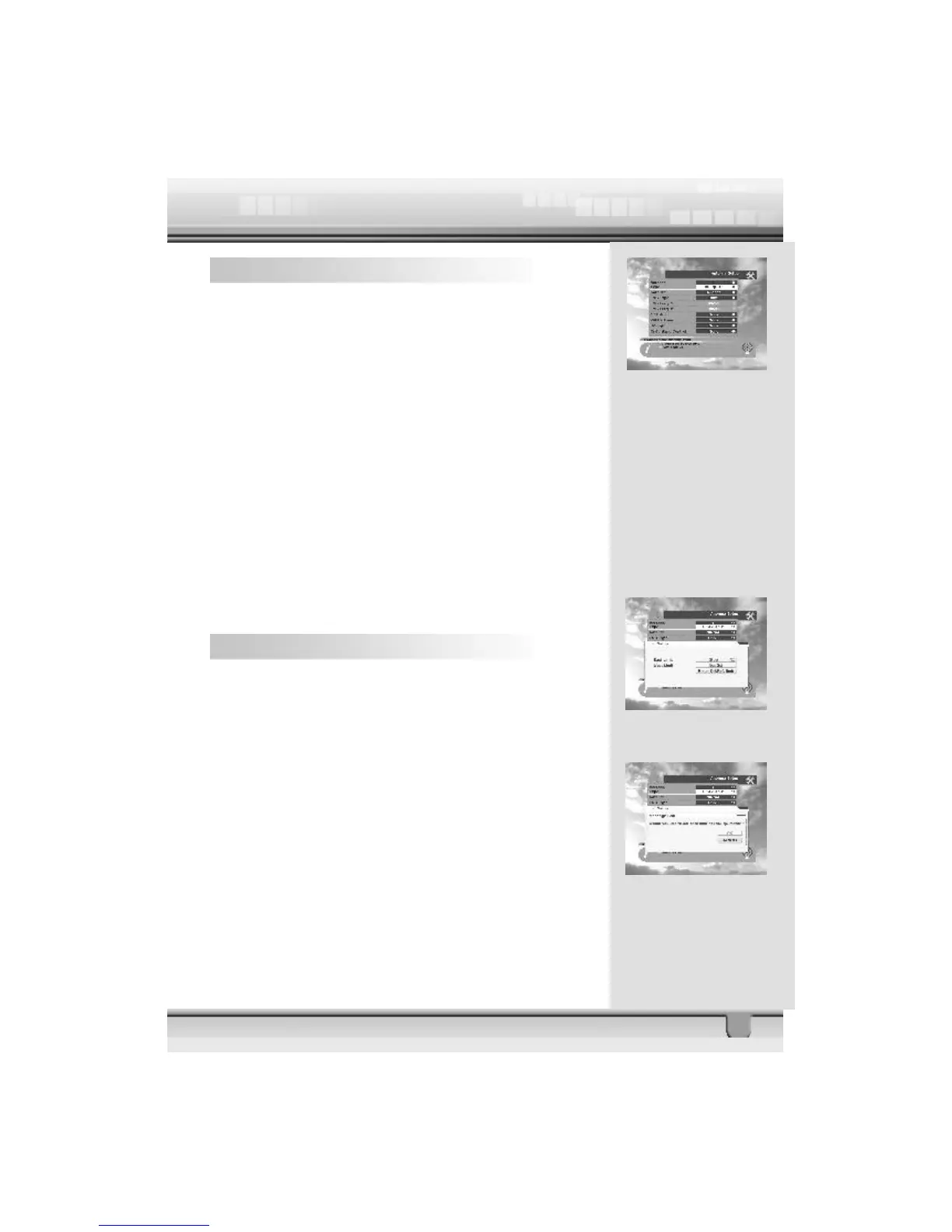
4.1 Antenna Setup – 1) DiSEqC 1.2
1. Antenna : You can select a maximum of 16 antennas with
the combination switches.
2. Type : Select your antenna type to be DiSEqC1.2.
3. Satellite : Select first satellite you want.
4. LNB Type : Select your LNB type. If you have universal
LNB, select Univ.
5. LNB Freq. : Enter the proper LNB frequency referring to
your LNB using the numeric keys on the RCU or use the KEY
PAD displayed by pressing OK key.
If you have a dual LNB, enter the proper value in the value box.
6. Switches (0/12 Volt, 22KHz Tone, DiSEqC) : You can
select the switches with which you want to configure the
antenna.
7. C/Ku band control : You can select C/Ku band control by
selectiing the switch type.
4.1.1 East West Limit
On selecting Limit Setup button, the Limit Setup menu will
pop up. Pressing the key on the RCU continuously will take
you to the easternmost point. Press the OK key on the RCU.
The message “Would you like to set East limit of DiSEqC
motor?” will be displayed for your confirmation. Place cursor
on the OK button on the screen and press OK key on the RCU
to confirm the East limit.
To set West limit, follow the same steps as East limit.



 To Next Page