28
7 Receiver Information
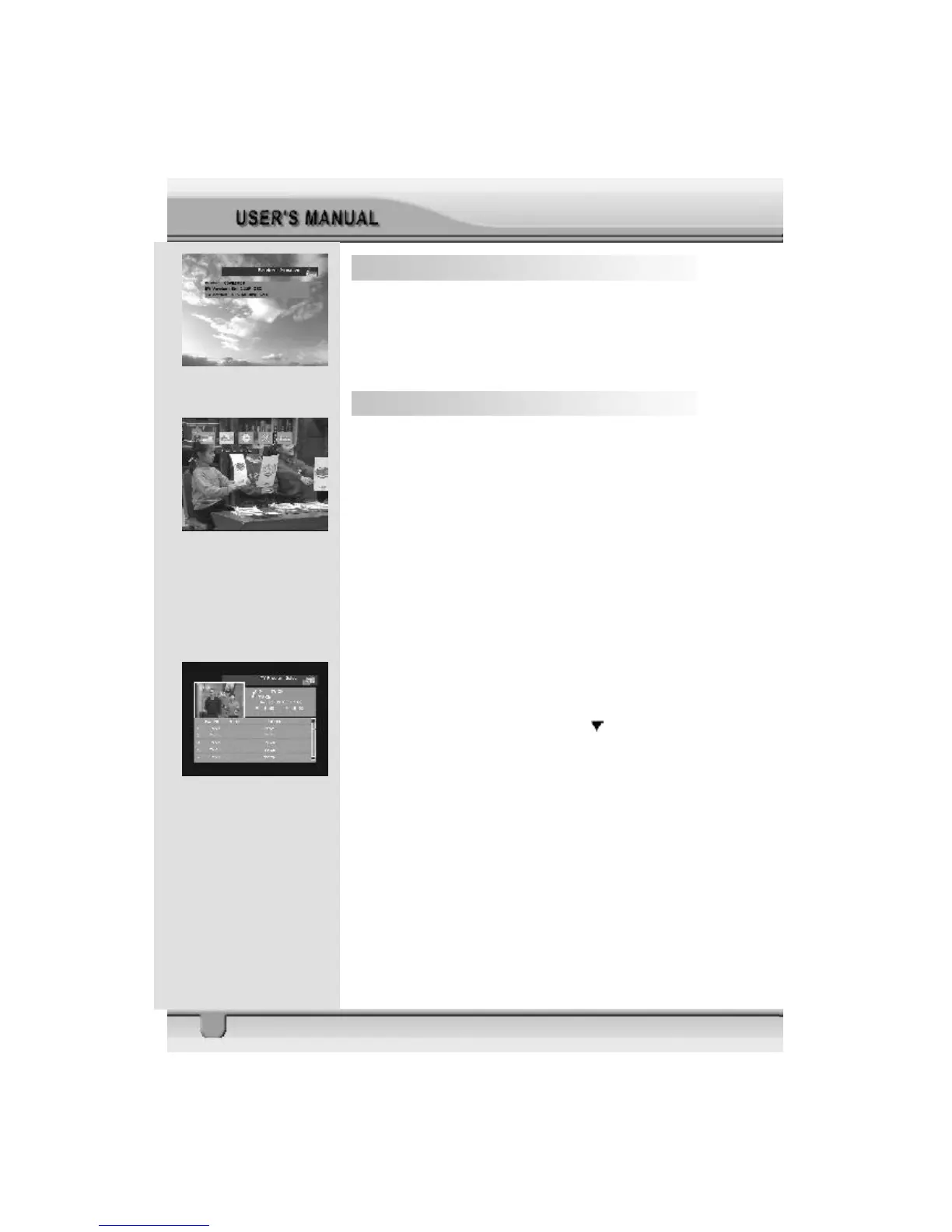
In the Main Page, select Receiver Information and press OK
key on the RCU to enter the sub menu, In this menu you can
view the following receiver information, including product , SW
version, HW version.
8 EPG (Electronic Program Guide)
STB provides EPG function for you to get access to the TV
Guide (or Radio Guide if you are listening to radio channels)
that will show the titles and other information of the current and
next programs on different channels. The information is only
available from the network to which the channel you are
watching.
To see the EPG data, press EPG key on your RCU when watch-
ing a channel or select Program Guide in the Main Page.
The EPG box will be displayed.
You can see the channel in the screen; channel list on the left
side and Program schedule for selected channel will be dis-
played on the right side. The time related to the program sched-
ule is also displayed.
Select one channel and placing the mark on the time of
Program name which detail information you want to know. Then
you can see blue button, if there is detail information of the
channel. Press Detail (Blue color key) key on the RCU, for
the detail information box to be displayed.
If you want to check the previous or next information of the
channel, please press +6:00 key (Yellow color key) or –6:00
key (Green color key) on the RCU.
Note: A ” No data available” message will be shown if the
selected channel does not provide EPG data.



 To Next Page