26
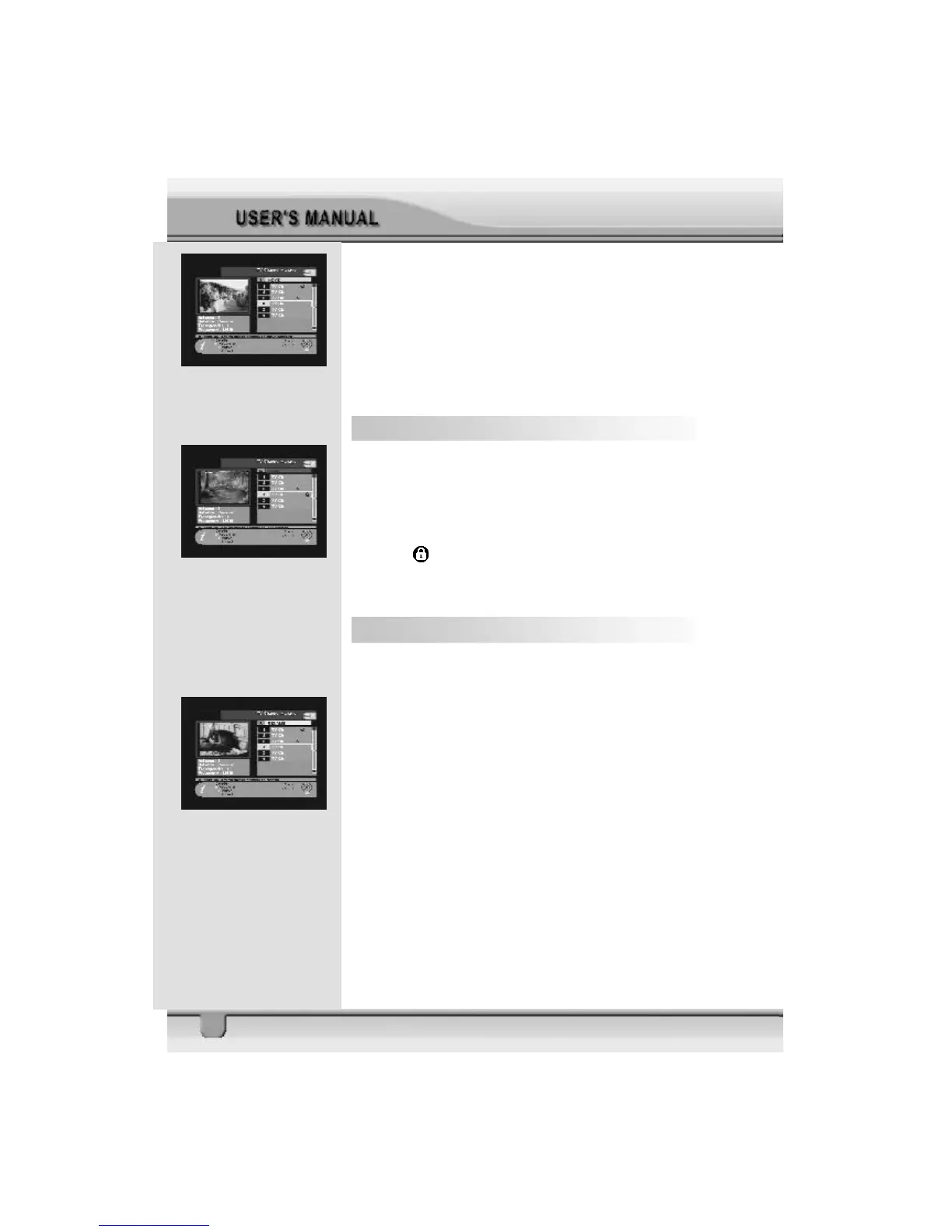
Select a channel by pressing OK key and move the cursor to
the location where you want to move the selected channel and
press OK key. Then, you will find that the selected channel
has moved to the desired location and channel the number has
changed accordingly.
Check whether the channel number has changed on the chan-
nel list.
6.4 Lock Channel
In the TV channel manager page, press Lock key (blue color
key) on the RCU.
This Lock command allows you to lock the channel. First se-
lect the channel, which you want to lock, and press OK key.
Then this
will be marked beside the selected channel name.
Note: To perform this function, you should set up the Parental
Lock in advance.
6.5 Rename Channel
In the Main Page, press MENU key on the RCU, and then
select Rename on the command menu.
This Rename command allows you to rename the channel.
First select the channel to be renamed and press OK key, then
a Keypad dialog box will be displayed. Enter the desired name.
Check whether the channel name is changed on the channel
list.



 To Next Page