21
4.7 Factory Default
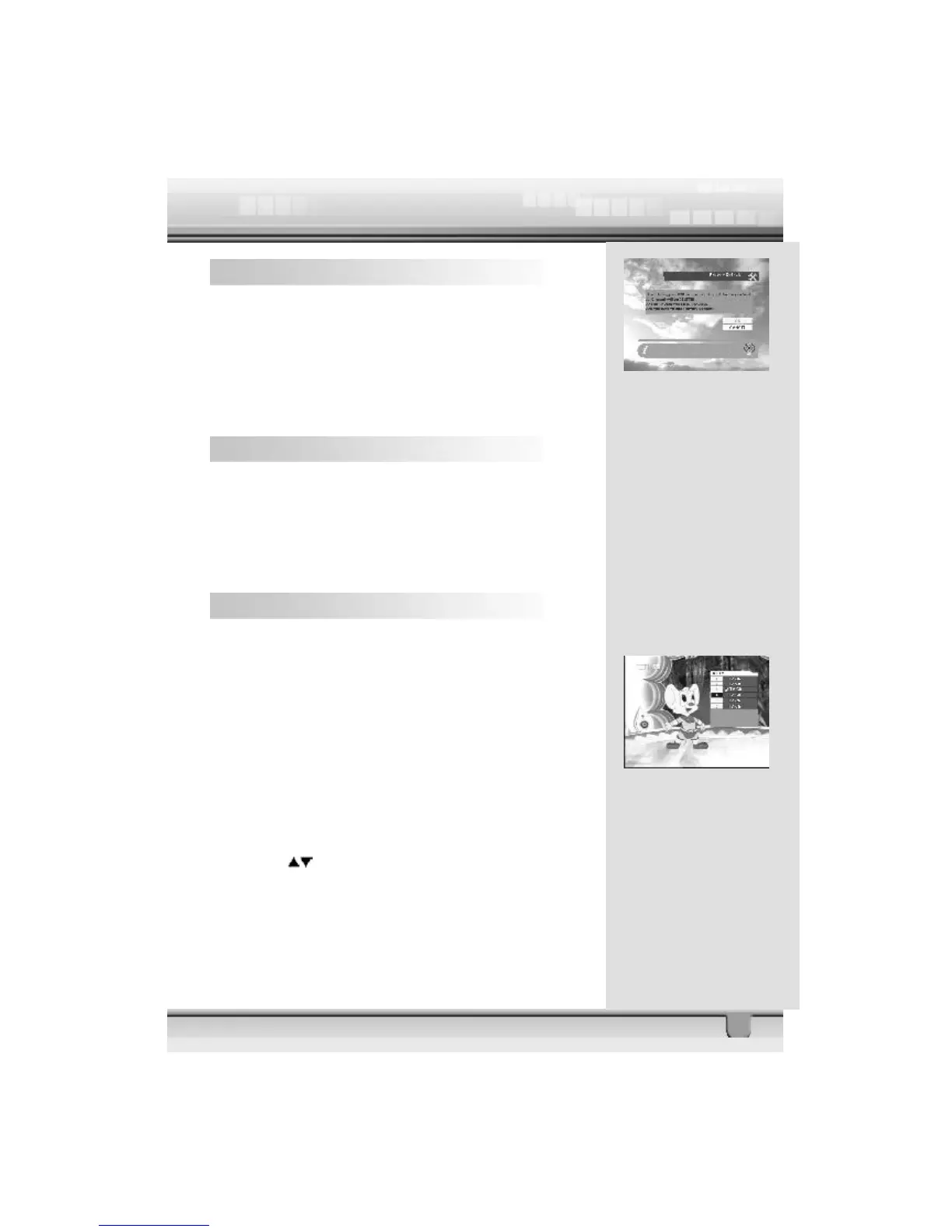
If you want to bring the STB back to the factory default condition,
select Factory Default and press the ok key.
Then a warning message will be displayed. To confirm,
select ok .
Warning: On selecting factory default you will lose all of data
and information, which was previously installed.
5 General Viewing Function
The following describes the basic functions of your STB while
watching satellite TV or listening to satellite radio.
While watching, the current channel information will be shown
on the bottom of the screen if you press the INFO button on
the RCU.
5.1 Select Channel
If you want to select channel, use CH key on the front panel or
CH+, CH- key on the RCU or numeric keys.
In addition to the above normal function, the STB provides
more convenient channel change function.
While watching, press ok key on the RCU. A channel list will
be displayed on the right side of the screen. If you press EXIT
key, the channel list will disappear.
To select a channel, go up or down this channel list and place
the cursor on a desired channel. Then, press ok key to watch
the selected channel.
If you press key on the RCU, the channel list will scroll
page by page.



 To Next Page