18
If you select Sort by Scramble, The STB sorts the
scrambled channels automatically.
If you select Not searched TP only, the STB searches
channels in the TP which were not searched.
If you select FTA Only, The STB only searches free to air
channels under this satellite.
4.4 Channel Search – 2) Fixed
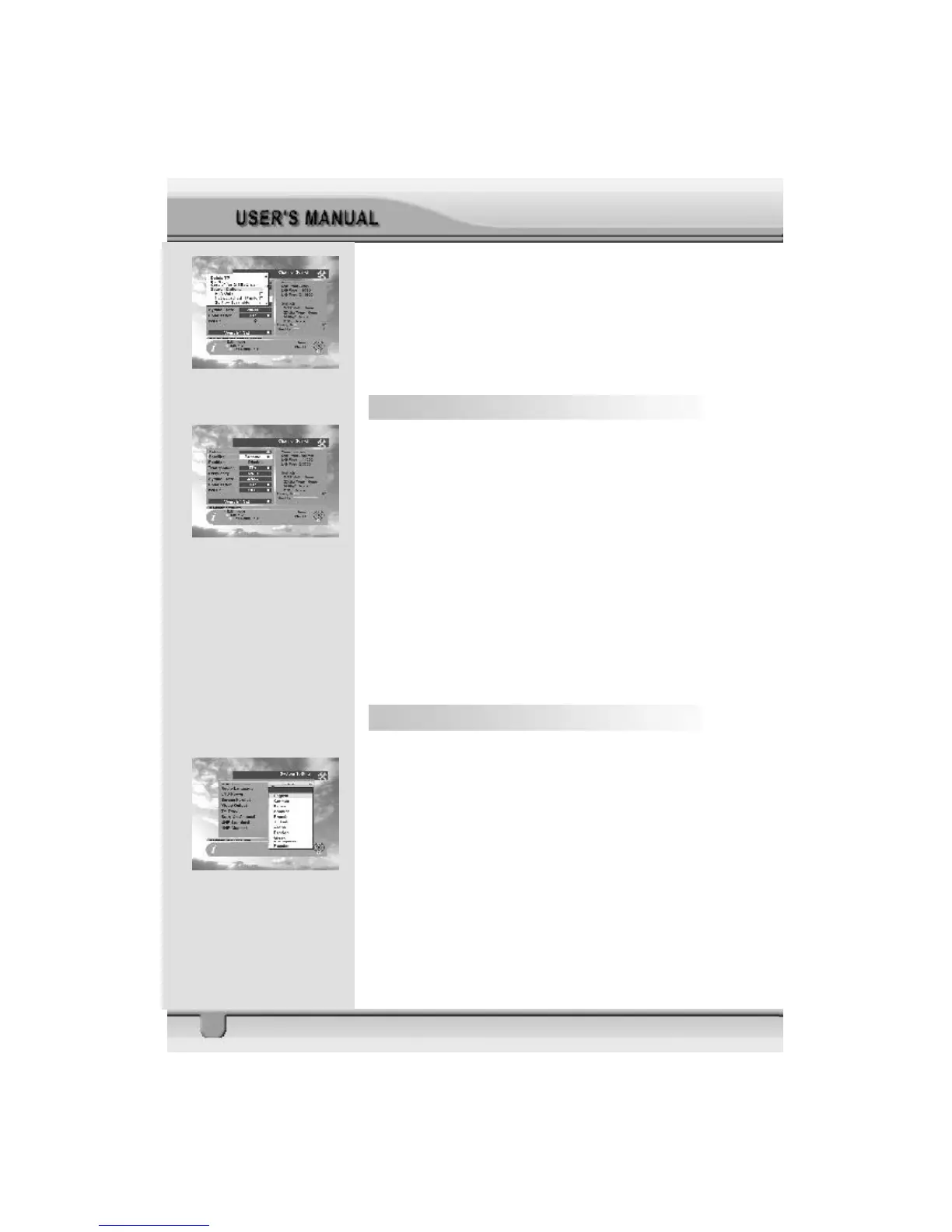
1. Antenna : Select your antenna number.
2. Satellite : Select desired satellite using arrows keys.
Pressing the ok key will also display a list of satellites.
You can see the information of the selected satellite on the
right side.
Edit Mode: If you want to edit preprogrammed data such as
Transponder, Frequency, Symbol Rate, Polarization and 22
KHz, please press EDIT mode key (Red color key) on the
RCU to display the command box. You can then move into
those columns to change the value.
3. Please refer to Section 20, List 4 to 14 for the remaining
options.
4.5 System Setting
The System Setting menu allows you to set items
depending on your environment.
1. OSD Language : Lets you select the desired language.
2. Audio Language: Select the desired audio language to
be in top priority under the condition that this language is
supported by the channel.



 To Next Page