17
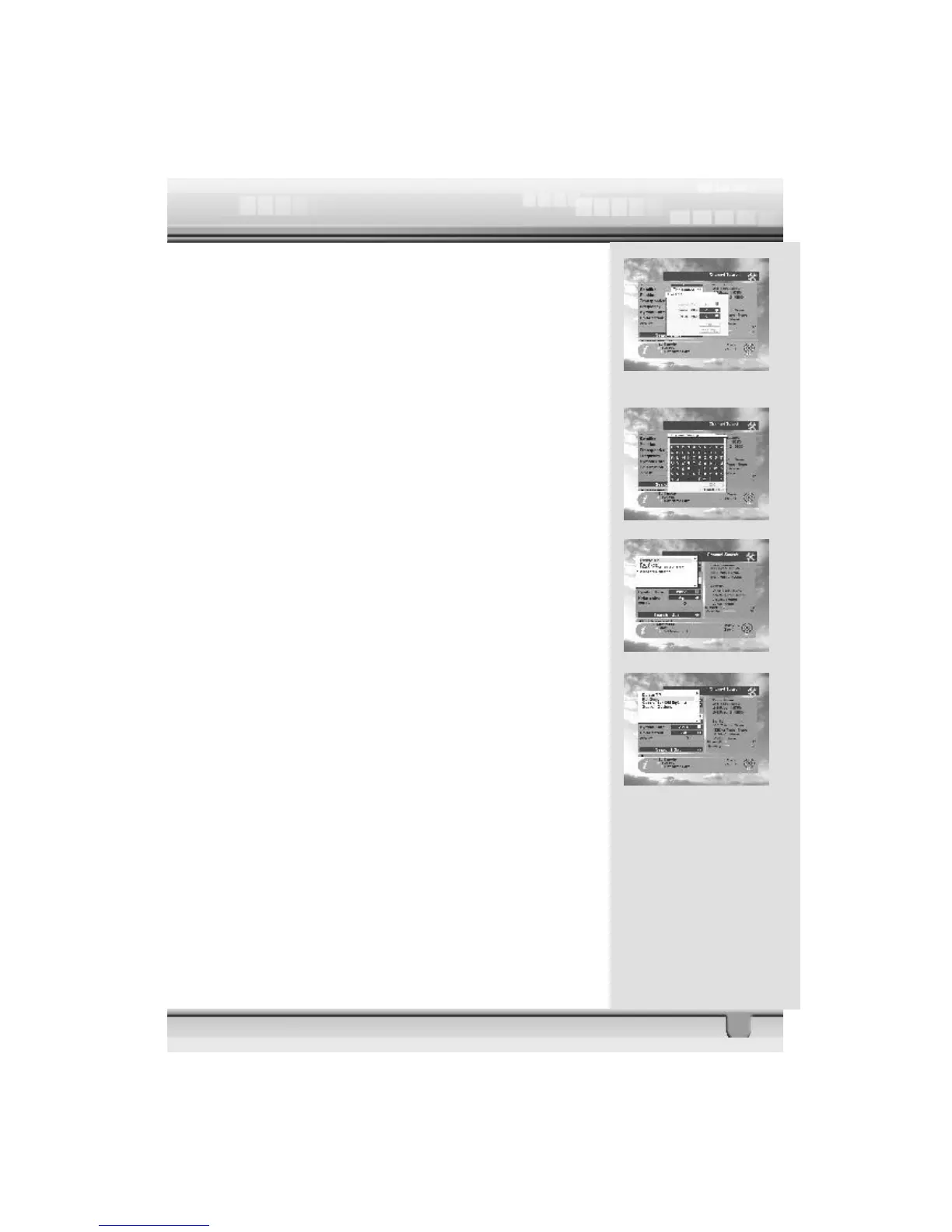
9. Set PID: If you want to set PID (Packet Identifier) manually,
select TP in the “Channel Search Page” and press MENU key
on the RCU to display the command box.Then select SET
PID command and press ok. The set PID menu will be displayed.
Enter the correct value and select ok.
10. Sat name edit: If you want to change the satellite name,
select the satellite and press Sat Name Edit key (Yellow
color key) on the RCU to display the command box. The key-
pad dialog will appear. Using the arrow keys on the RCU, you
can edit the satellite name.
11. Delete TP : If you want to delete a Transponder, please
select the Transponder which you want to delete and then
press MENU key on the RCU to display the command box.
Then select Delete TP command. A confirm message box will
be displayed.
12. Re-Sync : When all the locations of searched satellites
are shifted for any reason, you can realign all of them once
you adjusted one satellite location.
13. Go to 0” for DiSEqC 1.2 : When you install the motor
of DiSEqC 1.2 antenna, you can select this function to move
the center of the antenna to 0℃.
14. Search Option : The STB allows you to search channels
with convenient options as shown below.
v FTA Only
v Not searched TP only
v Sort by Scramble



 To Next Page