16
3. Position : After selecting a satellite, please select Posi-
tion button and then keep pressing or key on the RCU
until the selected satellite is locked. If the satellite is locked
correctly, the color of the signal label bar will change to yellow.
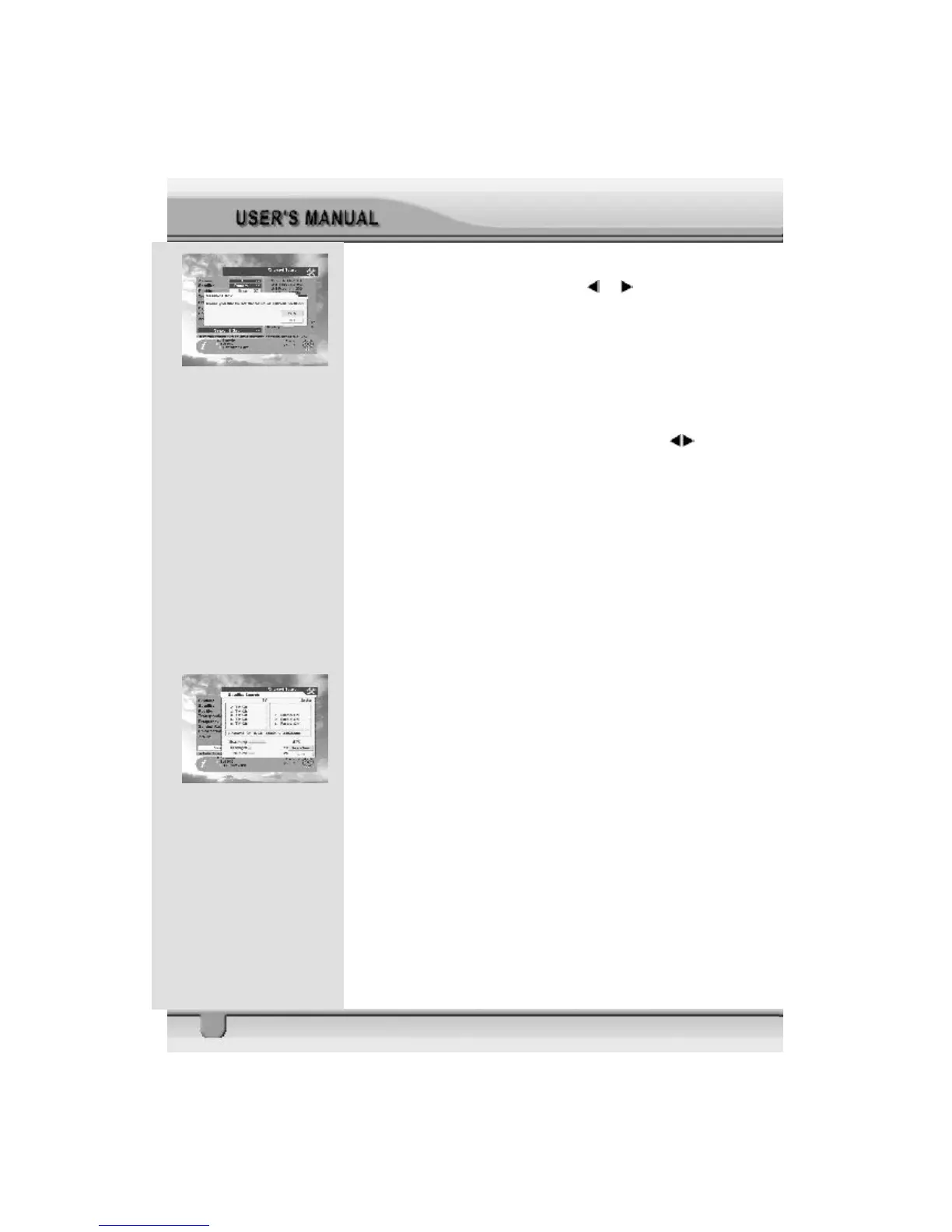
When you press ok key on the RCU, the message “Would
you like to set the value of current positioner?” will be
displayed.
4. Transponder : Select desired transponder using keys.
Pressing the ok key will display a Down List Box which also
lets you select the desired transponder.
5. Frequency & Symbol Rate : Edit the Frequency and Sym-
bol Rate.
6. Polarization : Select Hor or Ver.
7. 22KHz : Select ON or OFF.
8. Allows you to search channels by using the arrow keys.
· Search 1 Sat: Search channels for one satellite,
which has been selected from the Satellite column.
· Search TP: Search channels in one TP, which has
been selected from the TP column.
· Search Network: Search channels for the network
related to the TP.
The STB will automatically search channels for TV and Radio.
During this procedure you can see a list of the previously
searched channels in the Searched List Box on the screen.
The divergence of displayed satellite frequency ± 2MHz has
no effect for use, the receiver automatically tunes the best
signal. On completion of searching channels, the cursor will
be placed on View CH automatically. Now press ok button to
view the last searched channel.



 To Next Page