25
6.2 Favorite Channel
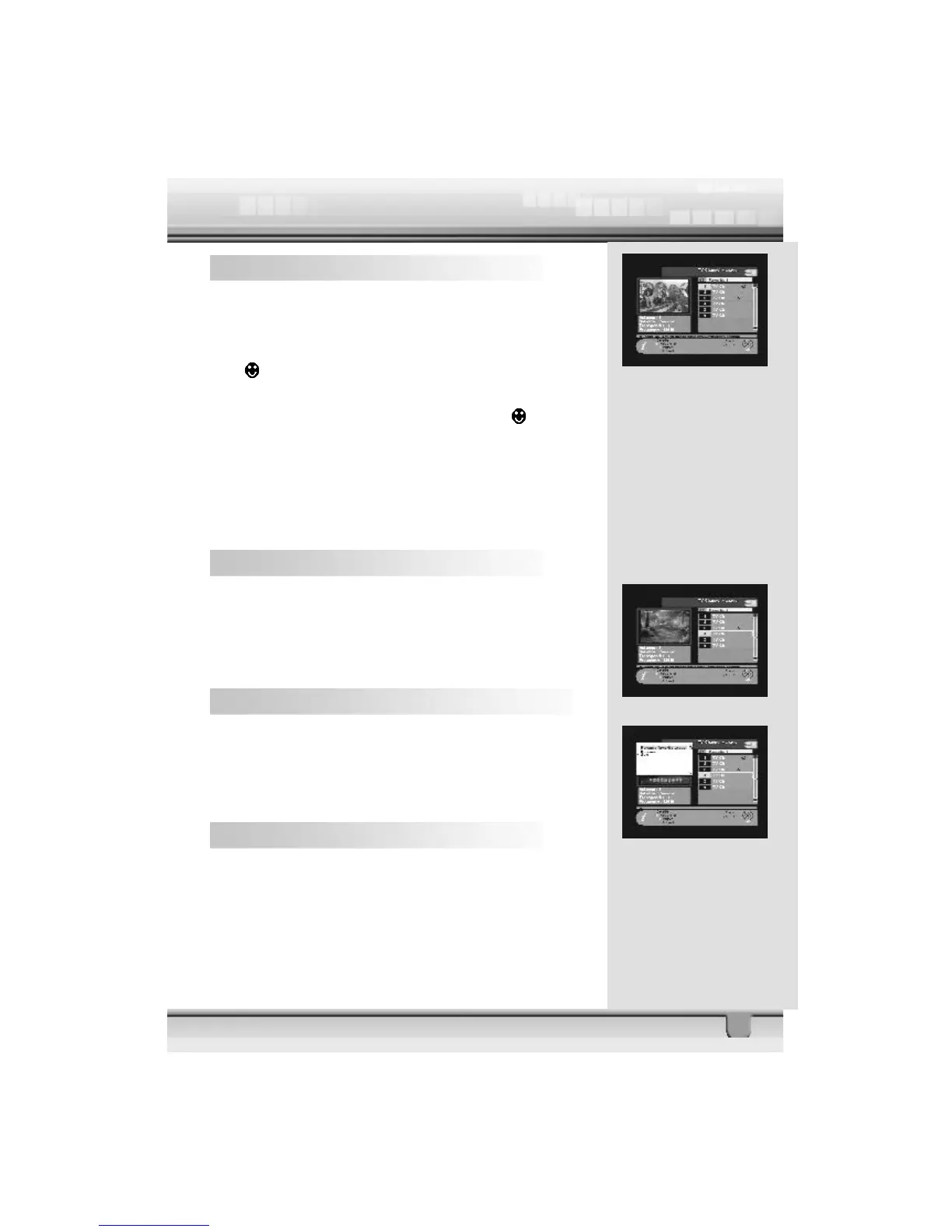
When you select channel manager, default favorite list will be
shown on screen as Favorite 1.
Select your favorite channel and then press OK key.
Then
will be marked next to your selected channel name.
If you want to remove the channel name from the favorite chan-
nel list, press OK key once again, then the
mark will
disappear.
After the selection of favorite channels press EXIT key twice
to save data and press FAV key repeatedly to see if each of
the favorite groups are properly selected.
s represents scrambled channel.
How to make a favorite group
1.When you enter channel manager, the default favorite group
will be shown once on the screen as Favorite 1.
2.If you press favorite key (Green color key) on the RCU, a
new favorite group will be created as Favorite 2.
How to edit the name of a Favorite group
1.In the favorite mode, press MENU key on the RCU then the
command box will be displayed on the screen.
2.Select “Rename Favorite group” in the command box.
3.You can edit the name by using the keypad.
6.3 Move Channel
In the TV channel manager page, press Move key (Yellow
color key) on the RCU.



 To Next Page