19
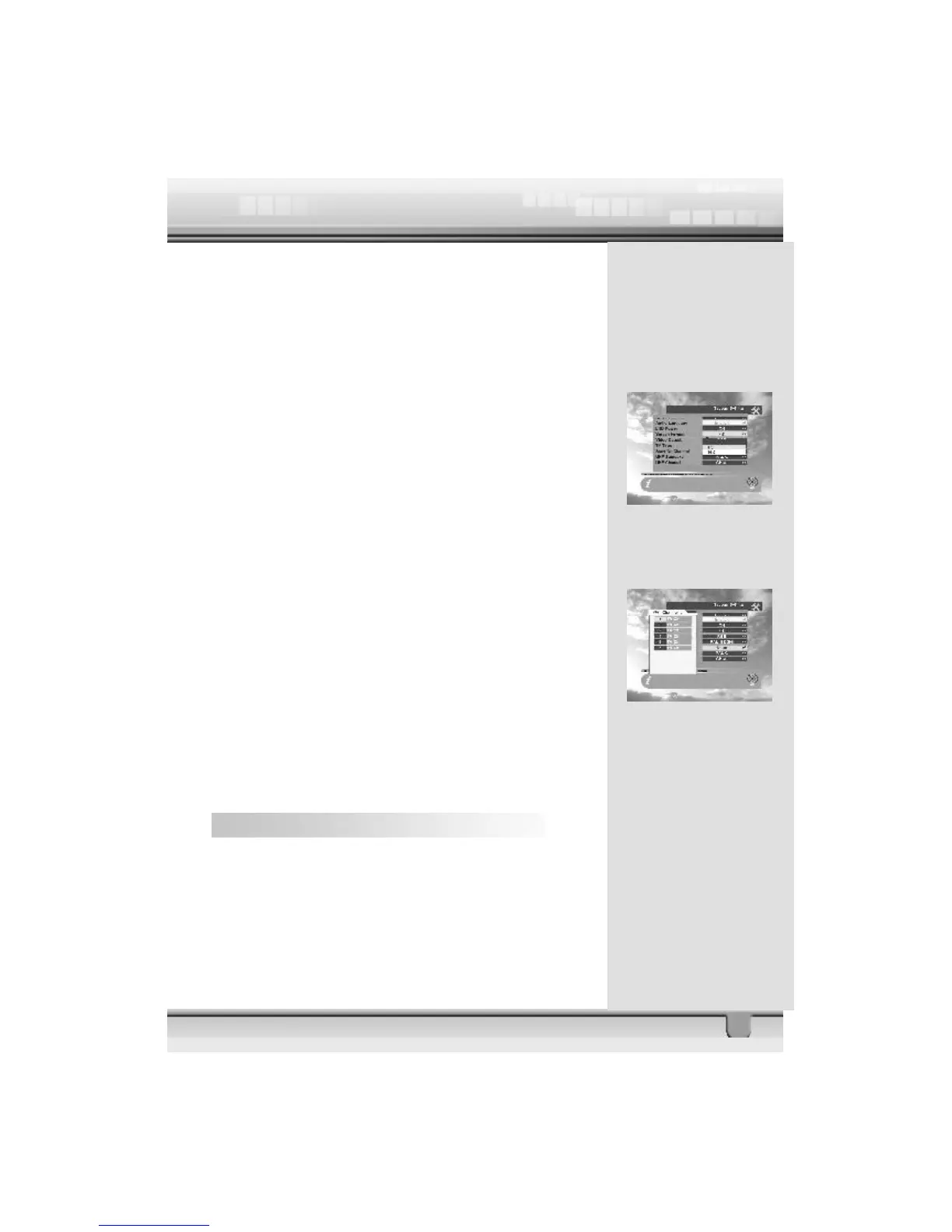
3. LNB power: If your STB is connected to the LNB, select
YES. But if your STB is connected to another receiver through
Loop Through support, you should check which receiver is
connected directly to the LNB. In case the other receiver is
directly connected to the LNB, then select OFF.
4. Screen Format: If your TV supports 16:9 screen format
and selected channel provides 16:9 format program, select
16:9.
5. Video output: If your SCART supports RGB control,
select RGB. Otherwise select CVBS.
6. TV type: Select the type according to your TV type.
7. Start On Channel: If you press ok key, then the channel
list is displayed. You can select one channel from the list. The
selected channel starts whenever you turn on the receiver.
8. UHF Standard: Select UHF type.
9. UHF Channel: Select your desired UHF channel for satel-
lite mode.
Note: In countries where UHF is not used, options in List 8
and 9 will be deleted.
4.6 Parental Lock
This function allows you to lock the channel with a password
in order to prevent children from accessing the channel.
You can also protect your installed data and information using
the Install Lock.



 To Next Page