20
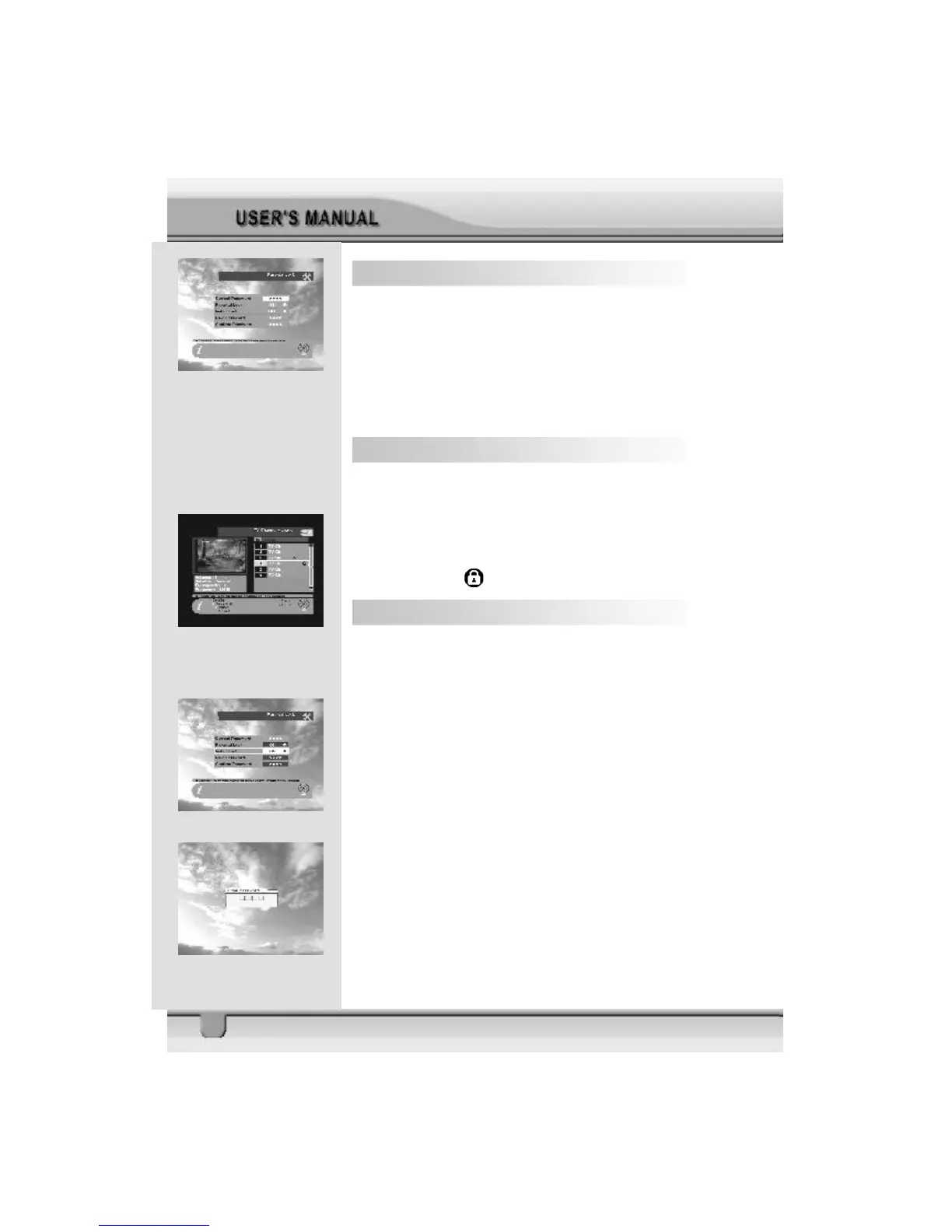
How to change the Password
1. Enter the current password.
2. Select ON of Parental Lock.
3. Enter new password.
4. Confirm your new password entering new password again.
Note: Default password is 0000.
Warning: Once you change the password, please keep it safely.
How to use Parent Lock
1. To activate parent lock function, go to the TV channel Man-
ager Page.
2. Press Lock key (Blue color key) on the RCU.
3. Select the channel which you want to Lock.
Press ok then
symbol is displayed.
How to use Install Lock
1. Enter the current password.
2. Select ON of Install Lock
3. Enter new password
4. Confirm your new password entering new password again
5. Exit this menu.
6. Select any menu and press OK on the RCU .
7. Then the Enter Password box will be displayed.
8. Unless you enter the correct password, you can not run any
menu.
Note: Default password is 0000
Warning: Do not forget your password.



 To Next Page