14
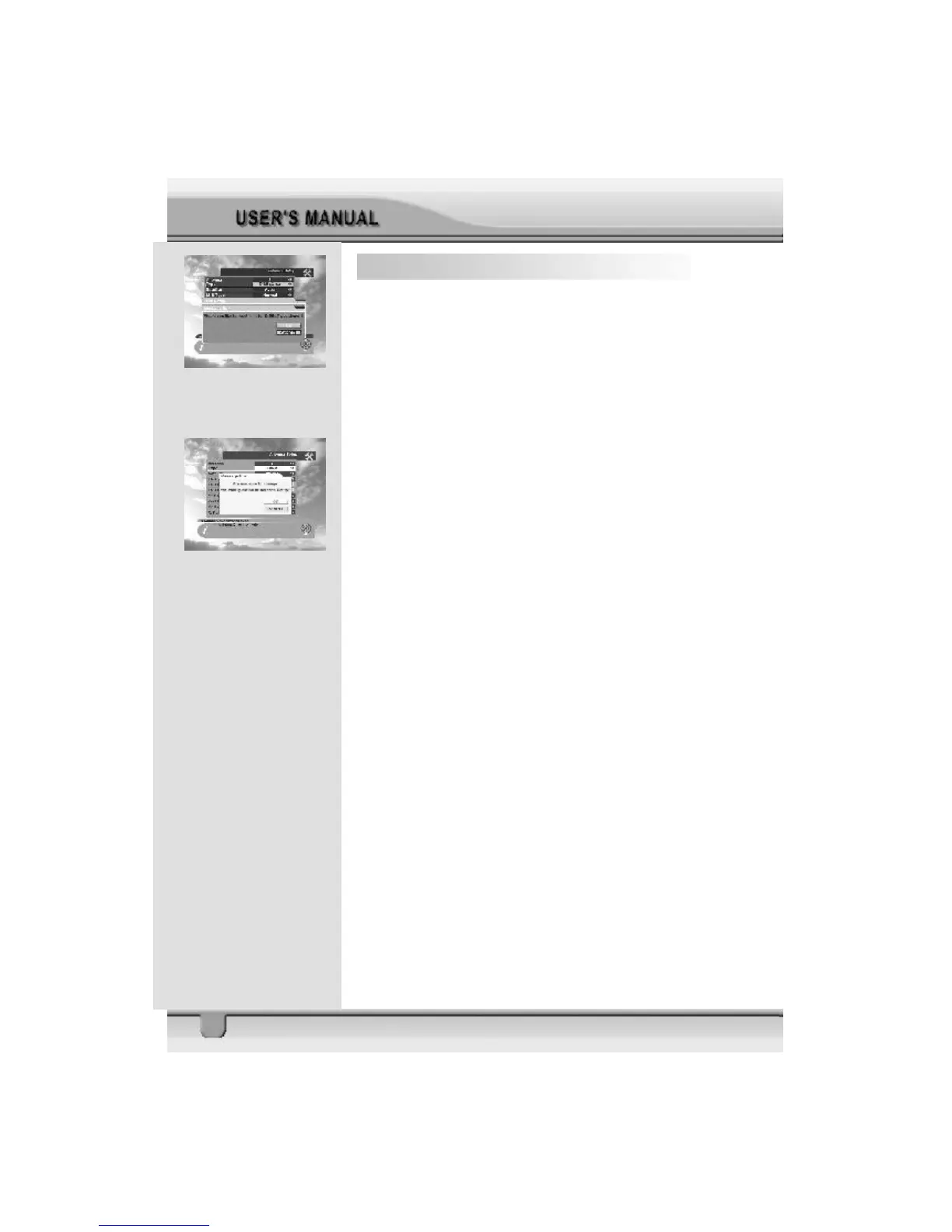
4.1.2 Reset DiSEqC limit
If you want to reset the East limit or West limit, place the
cursor on Reset DiSEqC Limit button and then press OK key
on the RCU. The message “Would you like to reset limit
for DiSEqC positioner?” will be displayed for your confirmation.
Select OK button by pressing OK key on the RCU. The cursor
will move to the East limit button so that you can reset the
limit. To reset West limits follow the same steps as East
limits.
Select EXIT to finish antenna setup. The message “Are you
sure to change the configuration of Antenna setup?” will
be displayed. Select OK button on the screen and then wait
for the data to be saved.



 To Next Page