27
6.6 Delete Channel
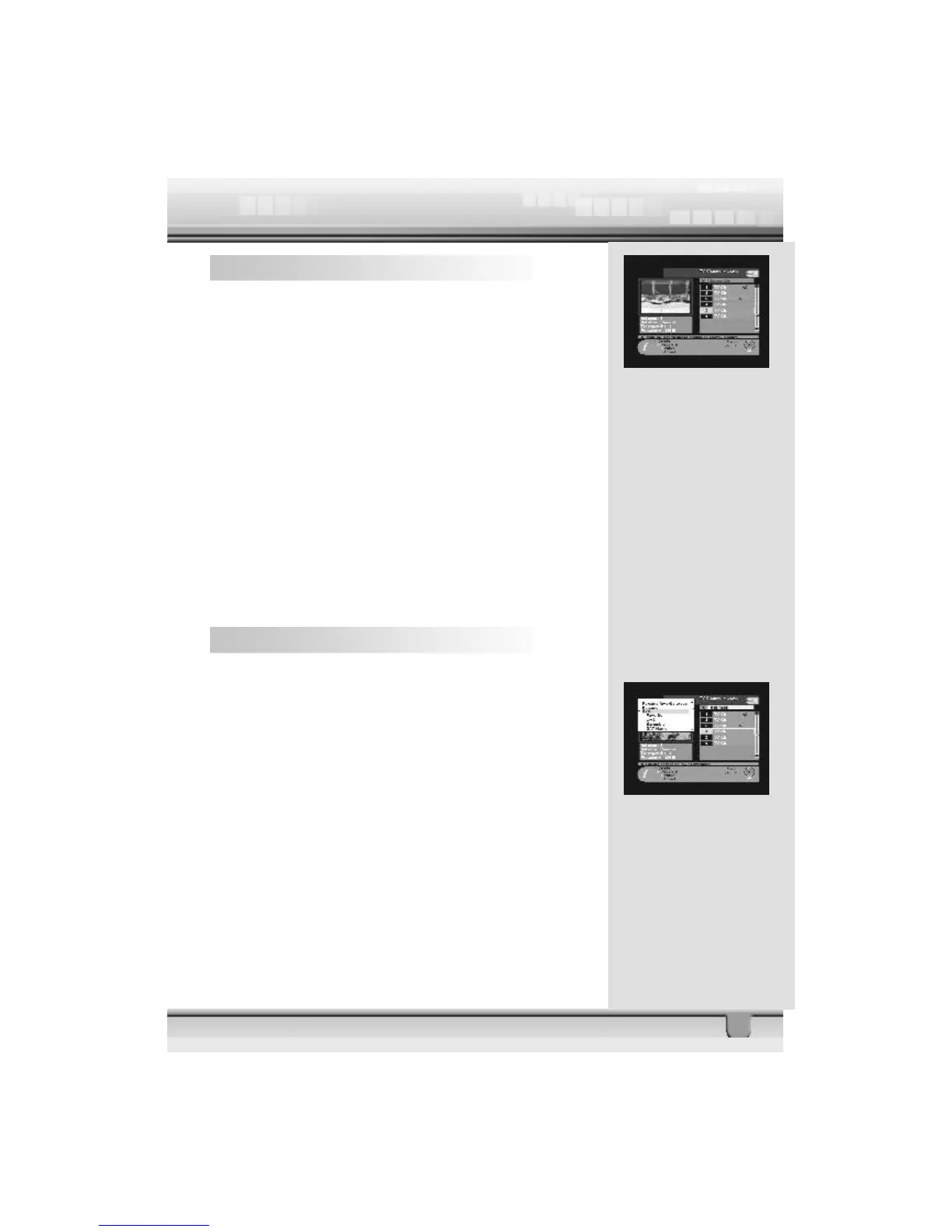
In the Channel manager, you can enter Delete CH mode, if
you press Delete key (Red color key) on the RCU. Then, if
you press Delete key (Red color key) repeatedly, the mode
will cycle through Delete TP -> Delete Satellite -> Delete All ->
Delete CH.
This Delete command allows you to delete the channel
permanently. First select the channels, which you want to
delete; the selected channel number will be marked to “X”. If
you cancel the selection, press OK key again, then the marked
number will be back.
If you decide to delete, press EXIT key and then press OK to
delete.
Check whether the channel number is deleted on channel list.
Warning: The deleted channel cannot be recovered unless
you search again.
6.7 Sort Channel
In the Main Page, press MENU key on the RCU, and select
Sort on the command menu.
This Sort menu has a sub command and it allows you to sort
the channels, as you like.
You can sort the channels by Favorite, Lock, Scramble, SAT
name and CH name. Place the cursor on the desired line, and
then press OK key.
Check whether the channels are sorted properly on the chan-
nel list.
Note: Radio Channel Manager has the same operation as TV
channel Manager.



 To Next Page