15
4.2 Antenna Setup – 2) Fixed
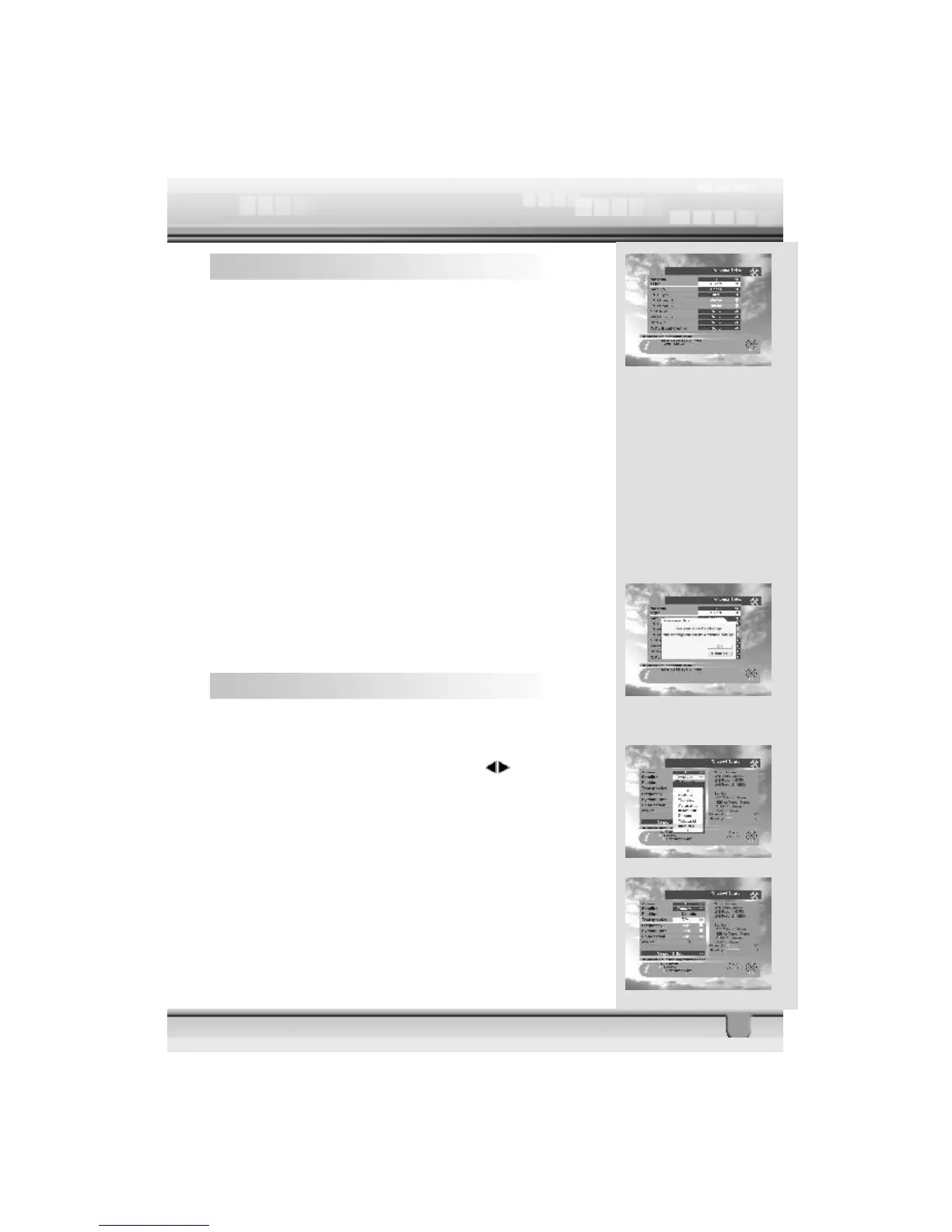
1. Antenna : You can select a maximum of 16 antennas with
the combination switches.
2. Type : Select your antenna type to be fixed.
3. Satellite : Select satellite you want.
4. LNB Type : Select your LNB type. If you have universal LNB,
select Univ.
5. LNB Freq. : Enter the proper LNB frequency referring to your
LNB by using numeric key on the RCU.
If you have a dual LNB, enter the proper value in the value box.
6. Switches (0/12 Volt, 22KHz Tone, DiSEqC) : You can se-
lect the switches with which you want to configure the antenna.
7. C/Ku band control : You can select C/Ku band control by
selecting the switch type.
Select EXIT to finish antenna setup. The message “Are you
sure to change the configuration of Antenna setup?” will
be displayed. Please select the ok button on the screen and
then wait for the data to be saved.
4.3 Channel Search – 1) DiSEqC 1.2
1. Antenna : Select your antenna number.
2. Satellite : Select desired satellite using keys.
Pressing the ok key will also display a list of satellites. You
can see the information of the selected satellite on the right
side.
Edit Mode: If you want to edit certain preprogrammed data
such as Transponder, Frequency, Symbol Rate, Polarization
and 22 KHz, press Edit Mode key (Red color key) on the
RCU.



 To Next Page