EasyManua.ls Logo

coship CDVB 2300C - Page 32

Default Icon
37 pages
Print Icon
To Next Page IconTo Next Page
To Previous Page IconTo Previous Page
Loading...
32
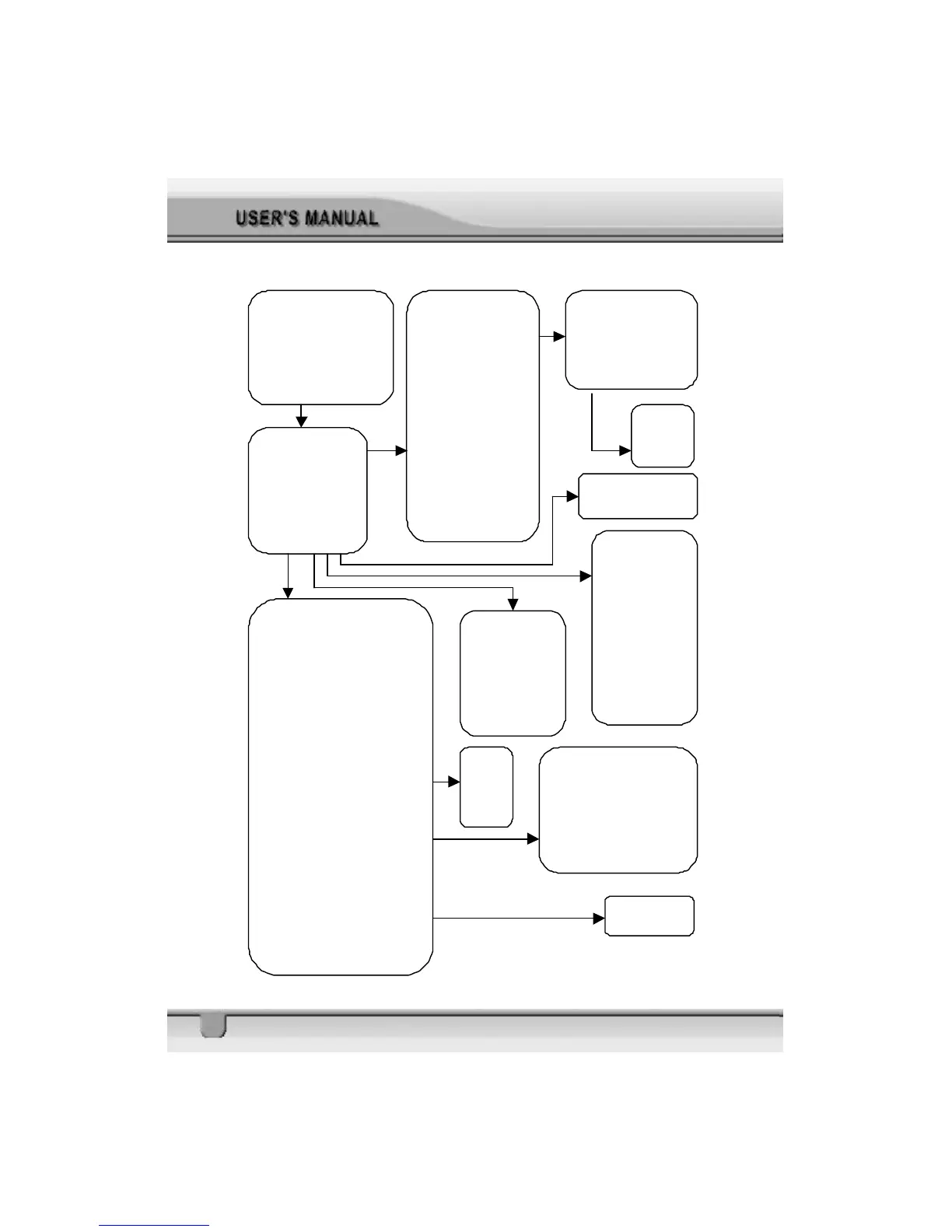
Main Menu
1. Channel Manager
2. Program Guide
3. Timer
4. User Installation
5.
Receiver Information
User Installation
1. Antenna Setup
2. Channel Search
3. System Setting
4. Parental Lock
5. Factory Default
Antenna Setup
Antenna
Type
Satellite
LNB Type
LNB Freq.1
LNB Freq.2
0/12V Volt
22 KHz Tone
DiSEqC
C/Ku band control
1.
Antenna Setup Help
2. Limit Setup
Channel Search
Antenna
Satellite
Position
Transponder
Frequency
Symbol Rate
Polarization
22KHz
Search 1 Sat
Search 1 SAT/TP/Network/all SAT
Set PID
Sat Name Edit
Delete TP
Re-Sync
Go to for DiSEqC 1.2
Search Option:
FTA Only
Not Searched TP Only
Sort by Scramble
System Setting
OSD Language
Audio Language
LNB Power
Screen Format
Video Format
TV Type
Start On Channel
UHF Standard
UHF Channel
Parental Lock
Current Password
Parental Lock
Install Lock
New Password
Confirm Password
Factory Default
Y/N
Antenna Setup Help
Satellite
Latitude
Longitude
1. Compute
Compute
Azimuth
Elevation
Search 1 Sat/TP/Network
Radio Channel
TV Channel
Transponder Number
Signal Strength
Signal Quality
Set PID
Video PID
Audio PID
PCR PID
Sat Name Edit
KeyPad Entry