Responding to Alarms
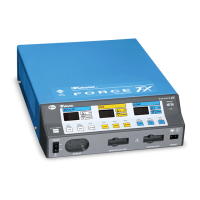
5-8 Force FX Electrosurgical Generator C User’s Guide
Non-REM Patient Return Electrode Alarm
When a non-REM patient return electrode is connected and the generator detects a cord
fault condition, the REM Alarm indicator illuminates red. When you correct the alarm
condition, the indicator is extinguished.
System Alarm
When the generator senses a system alarm condition, an alarm tone sounds and the
generator is deactivated. An alarm number flashes in the Cut display on the front panel.
1. Turn off the generator.
2. Turn on the generator and verify that the self-test is completed successfully. If the
alarm number reappears, note the number and refer to Responding to System Alarms
on page 7-10.
If you are unable to correct the system alarm condition, use a backup generator to
complete the surgical procedure.












 To Next Page