CowTech Ciclop 3D Scanning Guide
Scan Segmentation
Put your object on the table. This step is
just like Calibration Segmentation, except
you use the object rather than the
calibration pattern.
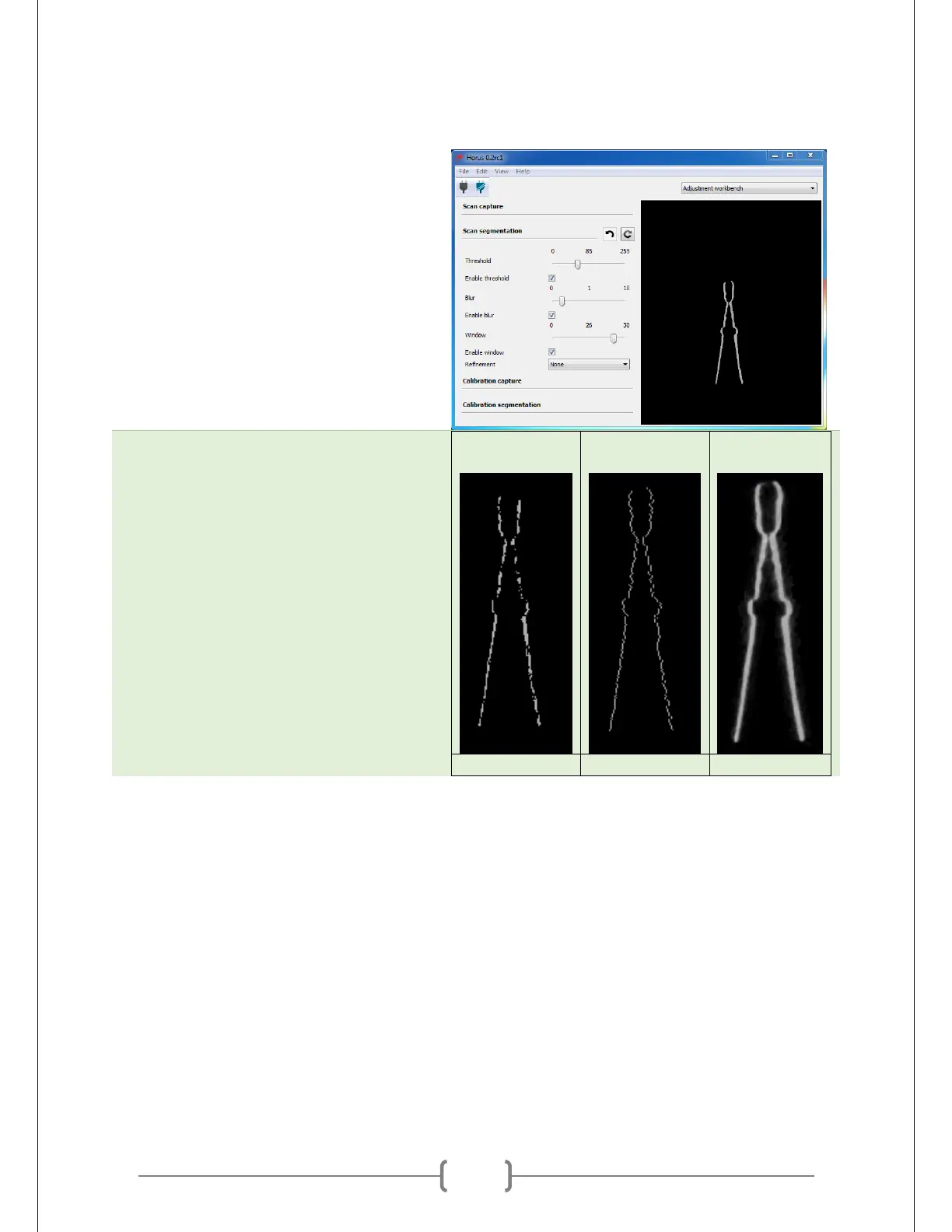
Fiddle with the settings. Depending on
the color of your object, they might be
slightly different from those from
Calibration Segmentation. Examples of
some bad settings are at right. Use the
picture above these three as an example
of good segmentation.
Rotate table to ensure good coverage. Double check that the lasers hit all the areas of your object
that you want to scan.



 To Next Page