CowTech Ciclop 3D Scanning Guide
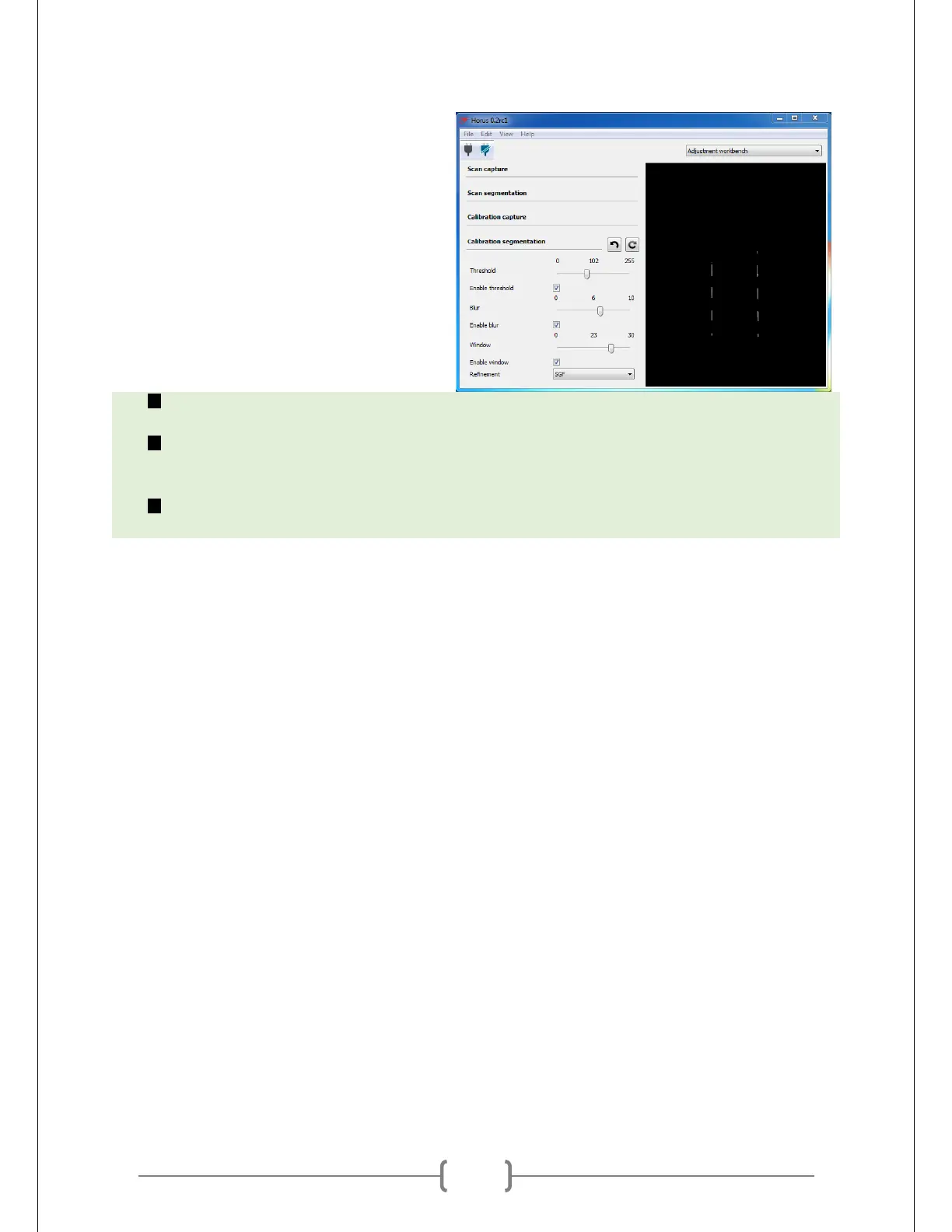
Fiddle with the settings until only white
squares are detected. It can be difficult to
make it so that all of them show up with
equal thickness. It’s fine if only two or
three of the white squares show up on
each laser. Experiment with the settings
to see what works best. A brief
description of each one is below.
Threshold – Changes the minimum intensity of light that counts as laser light. Any pixel that
falls below this value is discarded. This is like the “brightness” setting on the camera.
Blur – Draws a box around each pixel. That pixel’s intensity will count only as the average of all
pixels within the box. The value of Blur changes the size of the box drawn. This is similar to the
“saturation” or “contrast” setting on the camera.
Window – Discards pixels that fall outside a certain distance from the highest intensity pixels in
the image. This is similar to the “exposure” setting on the camera.



 To Next Page