CowTech Ciclop 3D Scanning Guide
Stacking the Boards
WARNING: It is easy to short out and ruin the Stepper Motor Driver on your scanner. Please ensure that
none of the boards are plugged in while you connect them to one another. If any of the boards are
powered while doing so, you run the risk of ruining the Stepper Motor Driver.
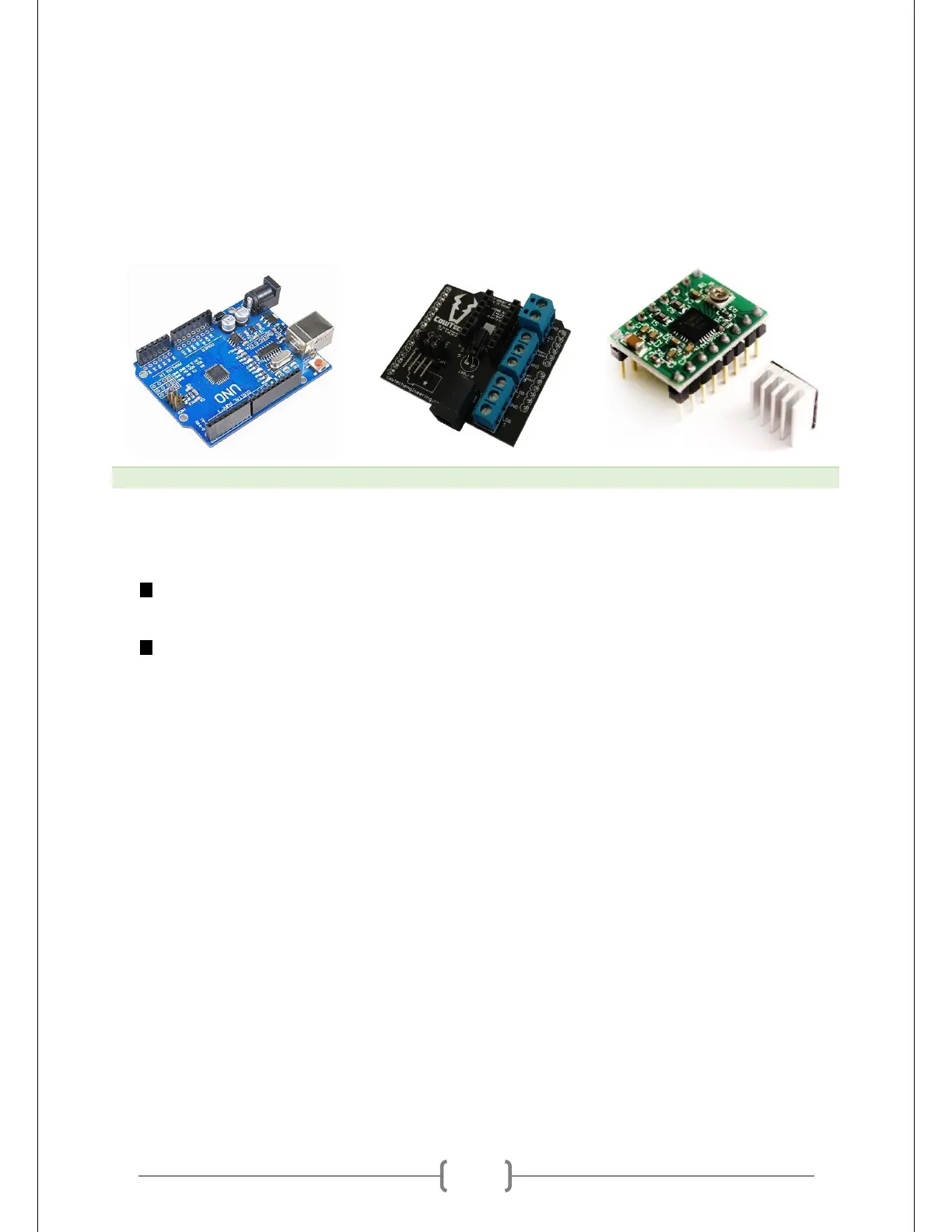
The three circuit boards included with the Ciclop are shown below.
The boards all stack on top of one another. The Uno Clone sits at the bottom of the stack, the CT board is
in the middle, and the Stepper Motor Driver is on top. It is essential to properly orient the boards.
The CowTech logo on the CT Board should be oriented opposite from the USB and power plugs
on the Uno Clone.
The small screw on the Stepper Motor Driver should be oriented closer to the power plug on the
CT Board. On the CT Board, there is also a silkscreen just under the pins for the Stepper Motor
Driver that indicates the proper orientation.
A picture of all three boards correctly assembled can be found on the next page.



 To Next Page