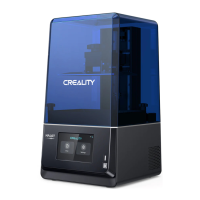
The Printer already suppos the following slicing software, and fuher functions are on the development roadmap.
Download the rmware and HALOT BOX slicing software at: https://www.creality.com
Download the CHITUBOX slicing software at: https://www.chitubox.com
Thank you for choosing our products.For the best experience,please read the instructions before operating the Printer. Our
teams are always ready to render you the best seices. Please contact us via the phone number or e-mail address provided
at the end when you encounter any problem with the Printer.
For a better experience in using our product, you can also access how to use the printer in the following ways:
View the accompanied instructions and videos in the U disk.
Visit our ocial website www.creality.com to nd relevant software/hardware information,contact details and operation and
maintenance instructions.
Dear Consumers,
Firmware/Software Downloads and Upgrades






 To Next Page