2
Checking System Requirements
Your card requires at least:
❑ An Intel Pentium or AMD K5 90MHz
computer with a VGA or SVGA card
installed
❑ 4 MB RAM
❑ 7.5 MB free hard disk space
❑ Windows 95
or Windows 3.1x with DOS 5.0 and a Plug
and Play (PnP) configuration manager
Changing Audio Card Settings
This section is organized as follows:
❑ Changing Hardware Resource Settings
❑ Enabling/Disabling Creative 3D Stereo
Enhancement Effect
❑ Enabling/Disabling Full Duplex Operation
❑ Enabling/Disabling Joystick Interface
❑ Enabling/Disabling the Built-in Amplifier
Changing Hardware
Resource Settings
The following tables list the possible default
settings used by various devices on your card.
When necessary (for example, when there is a
hardware conflict), you may change one or
more of these settings. For more details, see
Appendix A, “Understanding the Installation”
in the
Getting Started
manual.
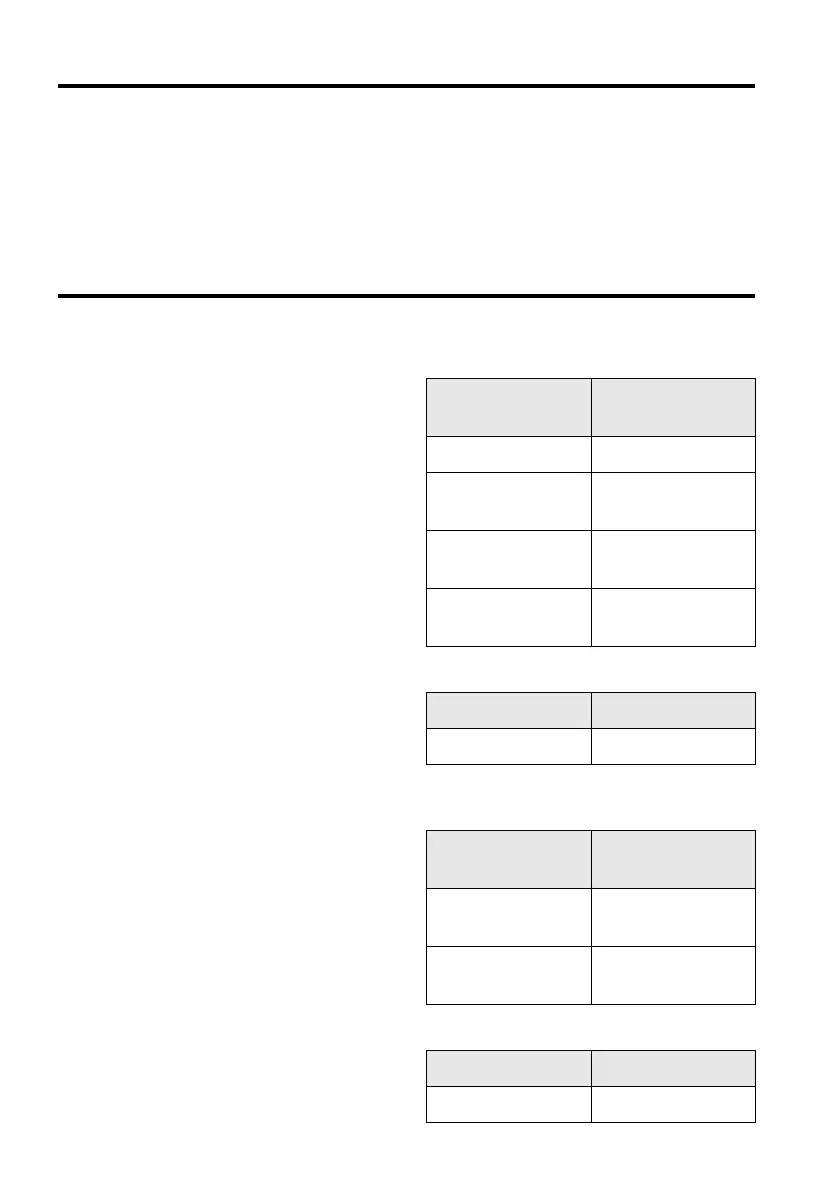
Table 1: Input/Output (I/O) addresses.
Device
Default I/O Address
Rang e
Audio interface 220H to 22FH
Game/Joystick
interface
201H
MPU-401 UART
MIDI interface
330H to 331H
Stereo music
synthesizer
388H to 38BH
Table 2: Interrupt request (IRQ) line assignments.
Device Default IRQ Line
Audio interface 5
Table 3: Direct memory access (DMA) channel
assignments.
Usage
Default DMA
Channel
First DMA
channel
1
Second DMA
channel
3
Table 4: BLASTER environment variables.
Parameter Preferred Value
A
xxx
A220
This manual downloaded from http://www.manualowl.com



 To Next Page