36 • CCS-UC-1: Crestron Mercury Tabletop Conference System Supplemental Guide – DOC. 7844E
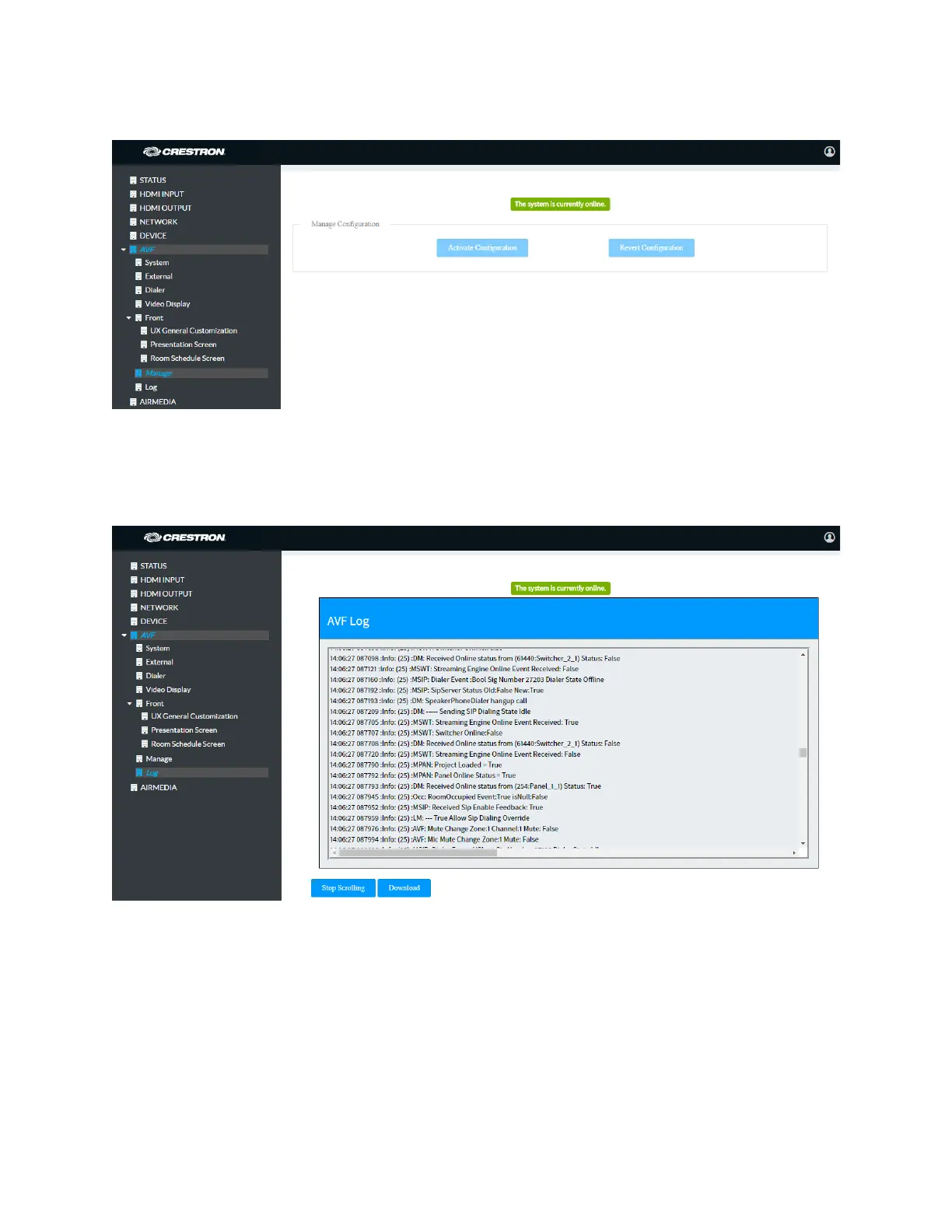
AVF Screen - Manage - System Online
Log
The Log screen is used to view and download the device’s message logs for analysis.
AVF Screen - Log
• Click the up or down arrows to scroll through the message log.
• Click Stop Scrolling to pause the message log. Click Scrolling to resume.
• Click Download to download the message log.



 To Next Page
 Loading...












