20 • TSR-310 Handheld Touch Screen Remote User Guide – DOC. 8421A
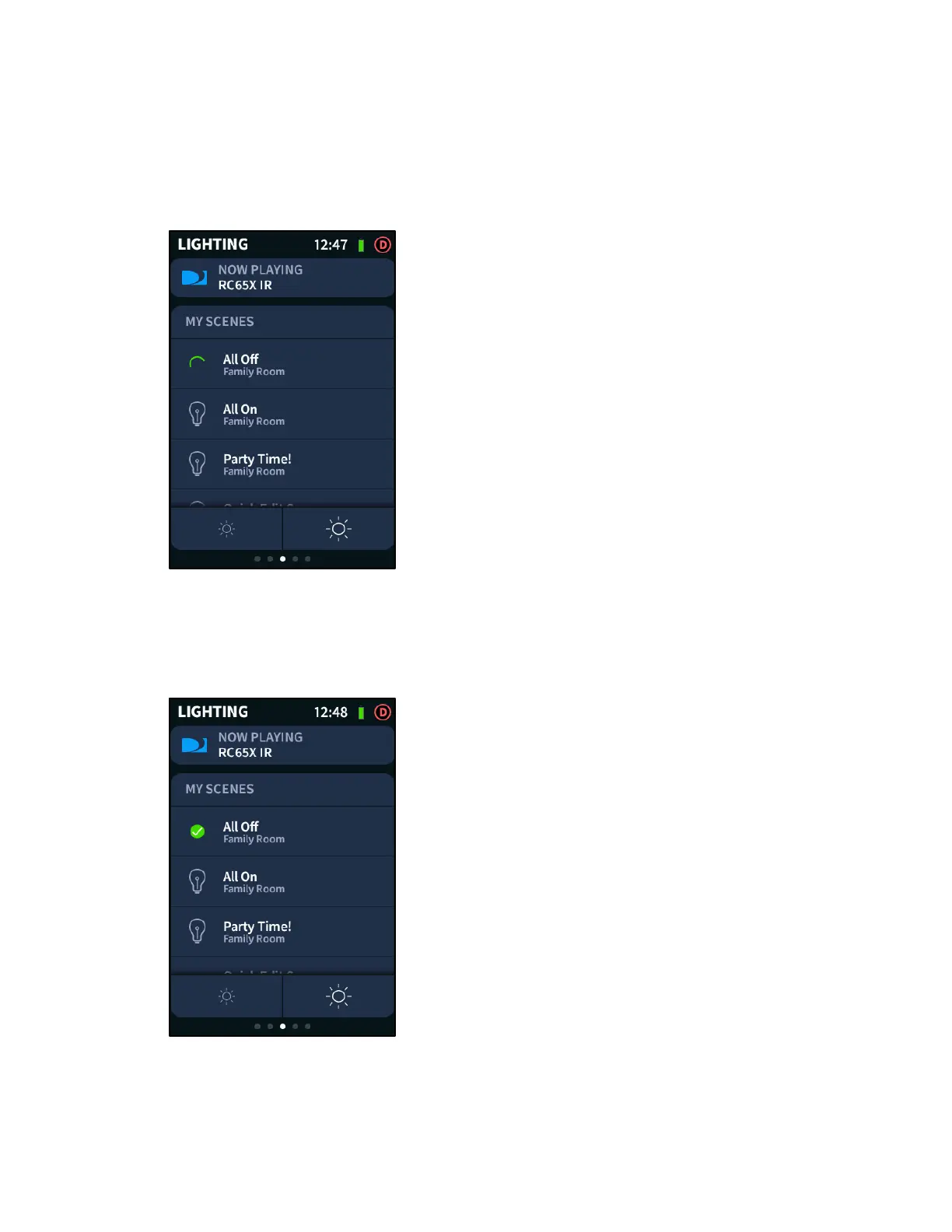
To select a light scene, swipe up and down through the MY SCENES menu, and then tap
the desired scene. A green swirl animation is displayed to the left of the light scene name
to indicate that the scene is in progress.
LIGHTING Screen - Scene in Progress
Once the light scene has completed, a green check icon is displayed to the left of the
light scene name. The check icon is displayed until another scene is played that
overwrites the existing scene.
LIGHTING Screen - Scene Complete



 To Next Page