User Guide – DOC. 8421A TSR-310: Handheld Touch Screen Remote • 35
Volume
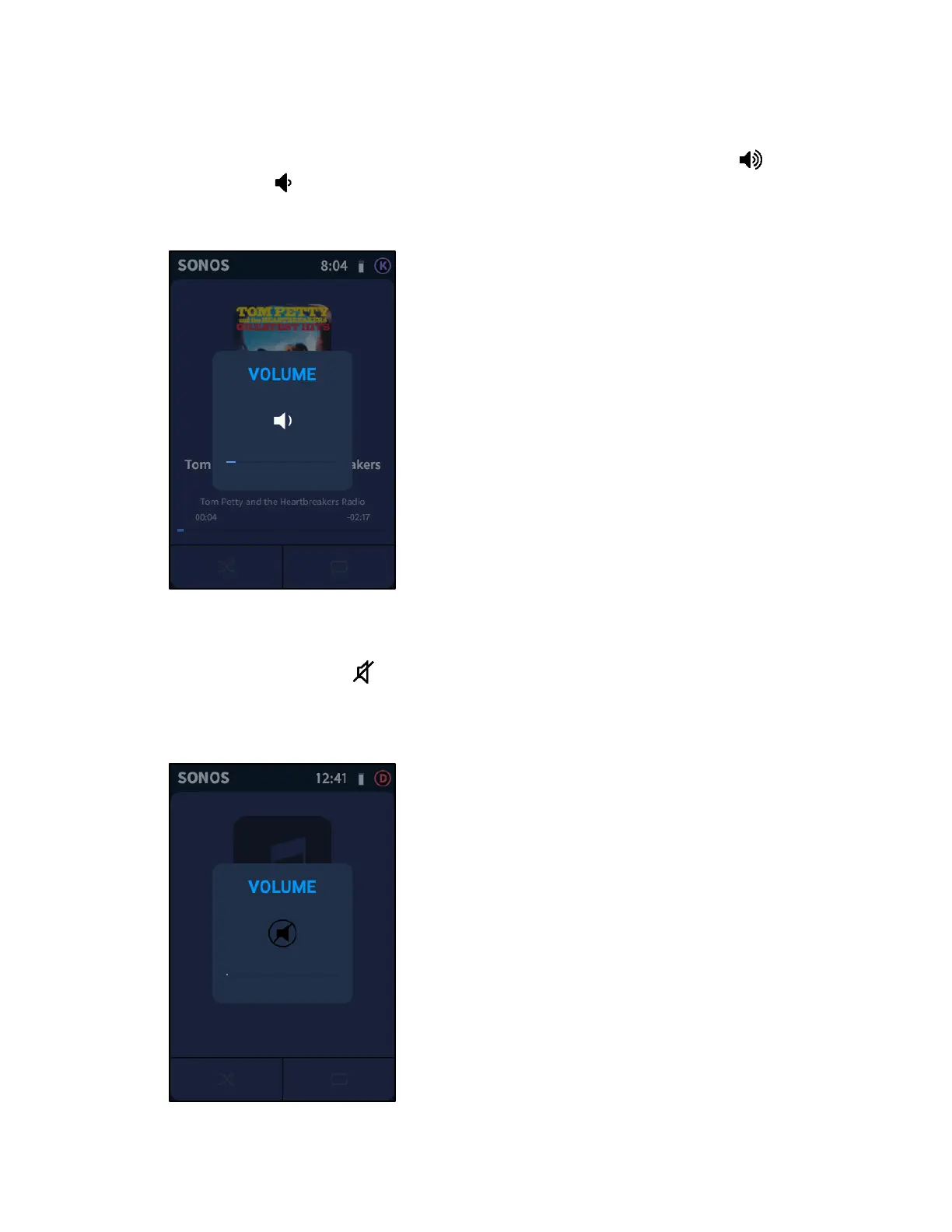
When the system volume is adjusted on the TSR-310 using the volume raise
and
volume lower
hard buttons, a
VOLUME panel is displayed.
VOLUME Panel
The blue bar underneath the volume icon adjusts in real time to show the approximate
volume level.
If the mute hard button
is pressed or if the system volume is lowered to 0%, a
volume mute icon is displayed.
VOLUME Panel - Volume Muted



 To Next Page