User Guide – DOC. 8421A TSR-310: Handheld Touch Screen Remote • 33
Battery Low
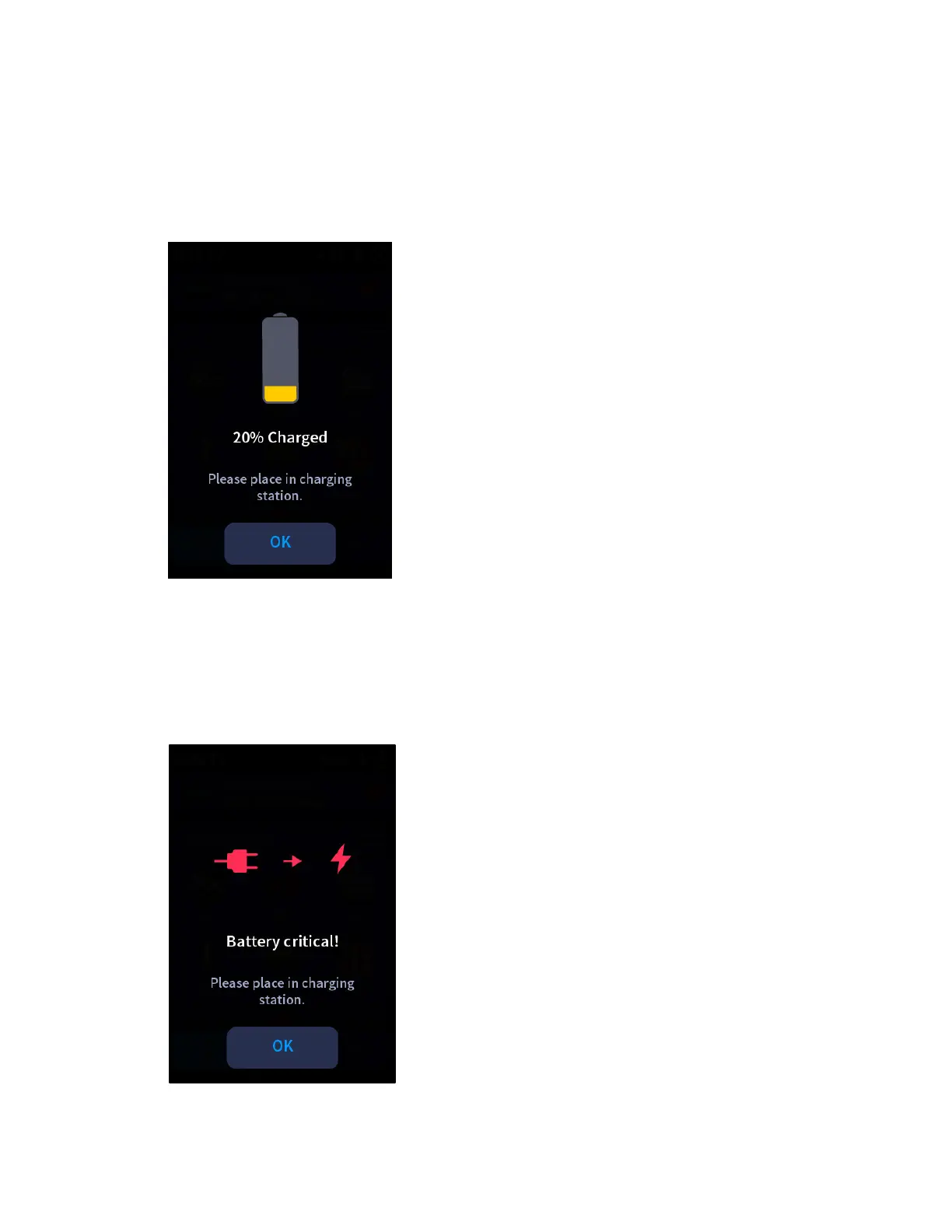
When the TSR-310 battery level has reached 20%, a screen is displayed to alert that the
TSR-310 should be placed on its charging dock.
Battery Low Screen
Tap OK to dismiss the notification.
If the remote is not placed on the charging dock, additional alert screens are displayed
when the battery level reaches 10% and 5%. When the battery level reaches 5%, a
battery critical screen is displayed.
Battery Critical Screen



 To Next Page